Azure AD & Microsoft Entra ID OIDC Configuration: Unified Guide
How-to GuideStep-by-step guides to achieve a specific scenario or setup.
Author:
Fluent Commerce
Changed on:
28 Oct 2026
Key Points
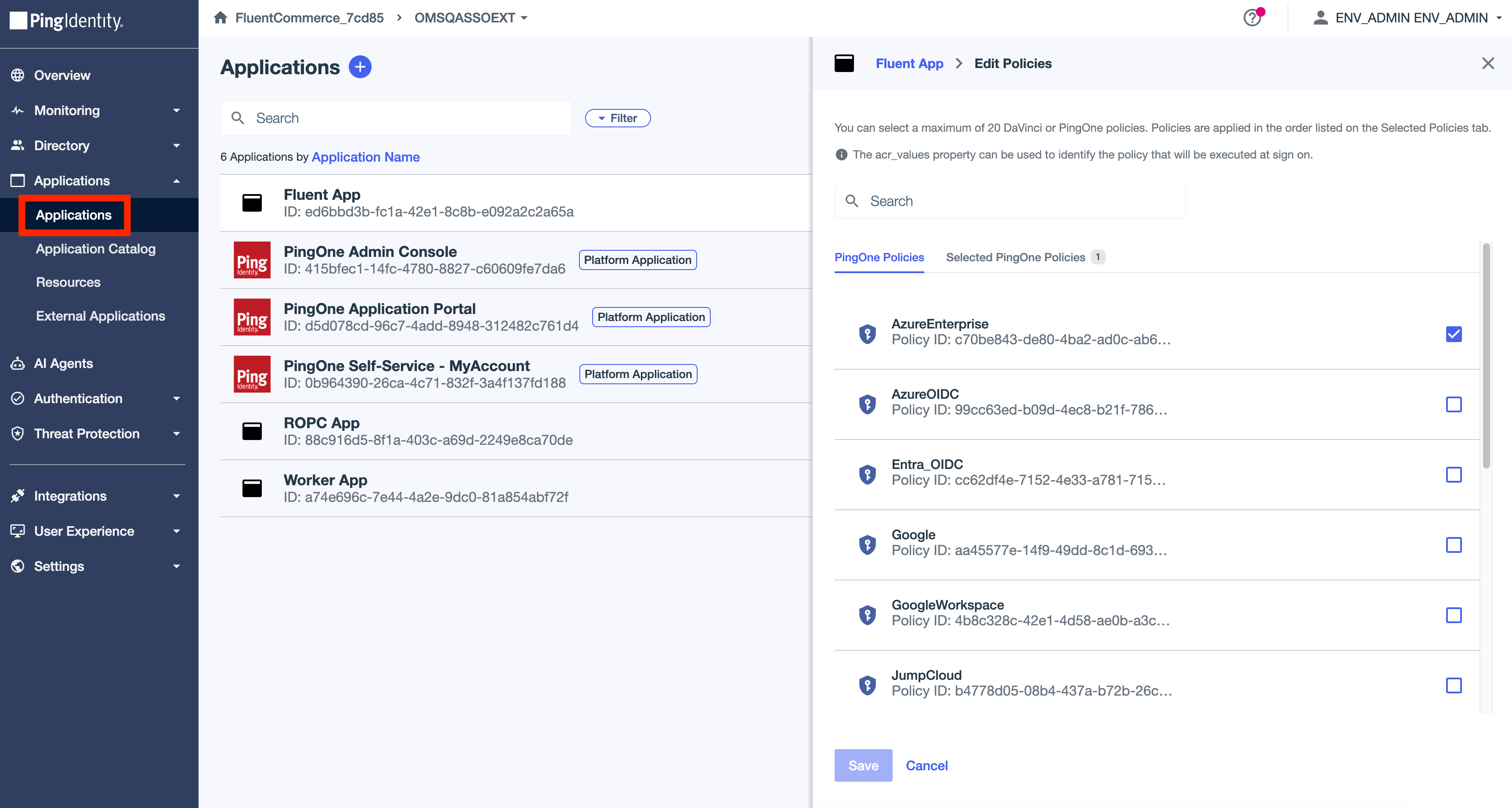
- Adding the application to PingOne
- Registering application with Microsoft
- Getting the client ID and client secret for the application
- Setting up API permissions
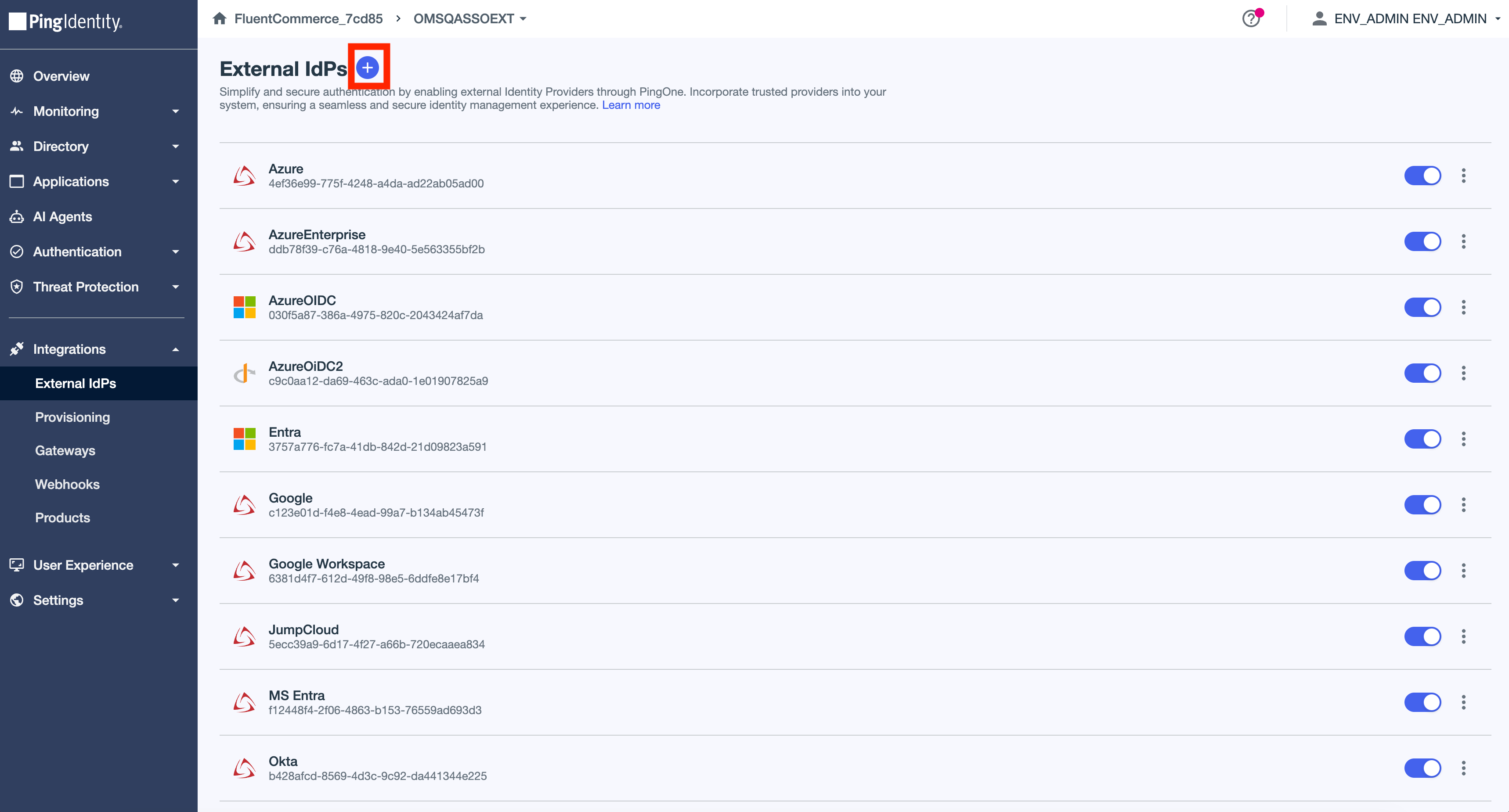
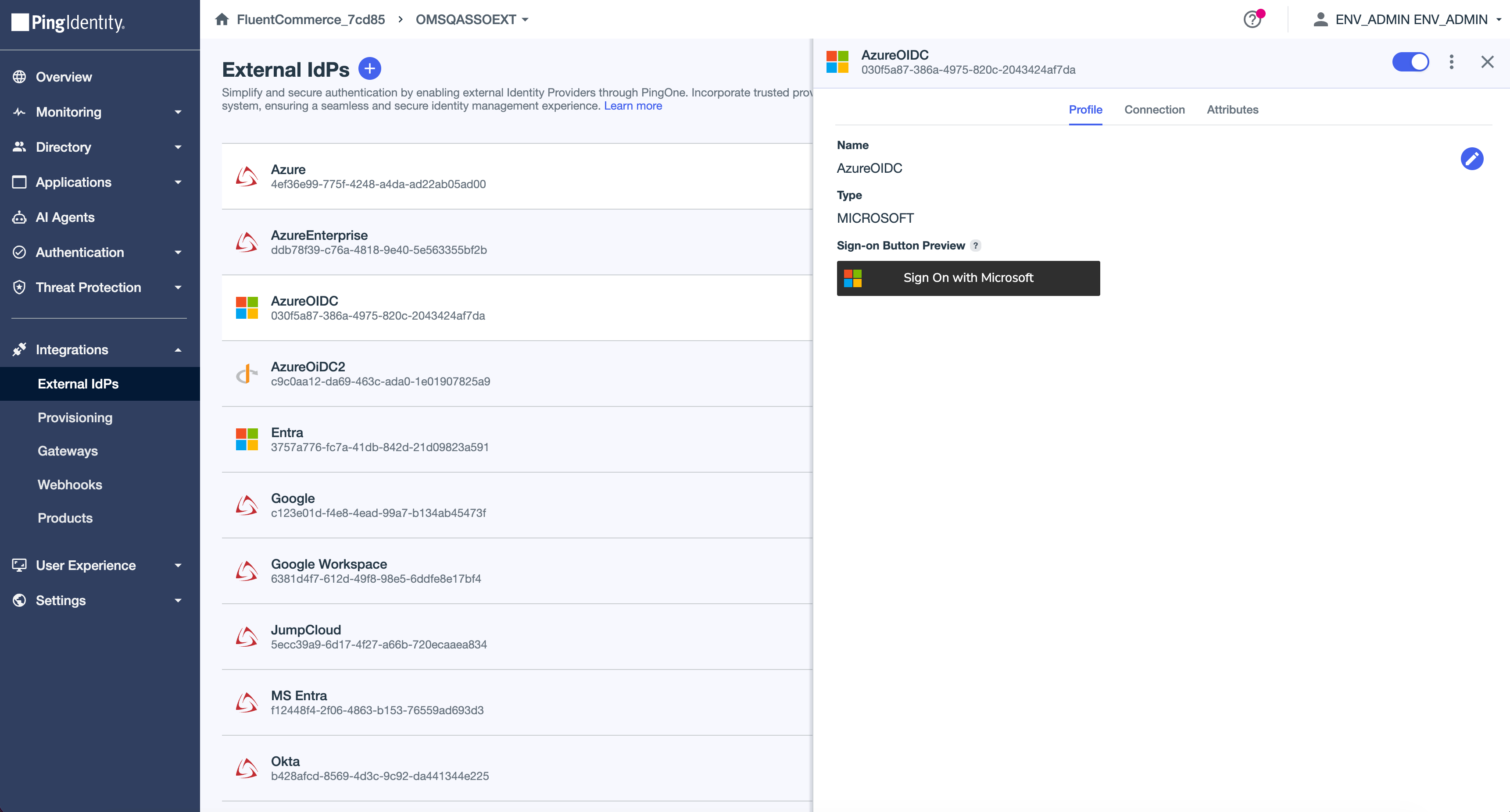
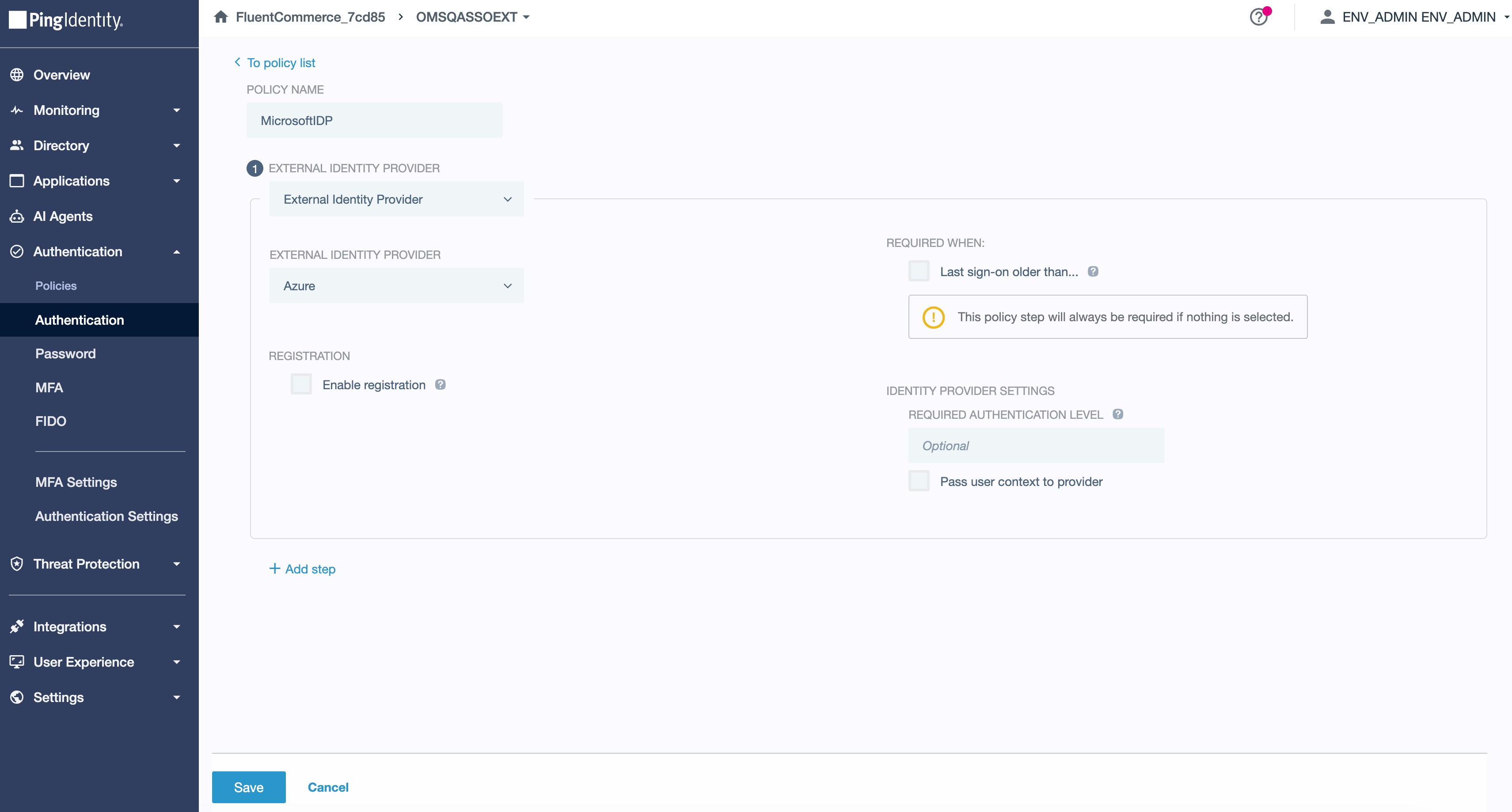
- Adding the identity provider in PingOne
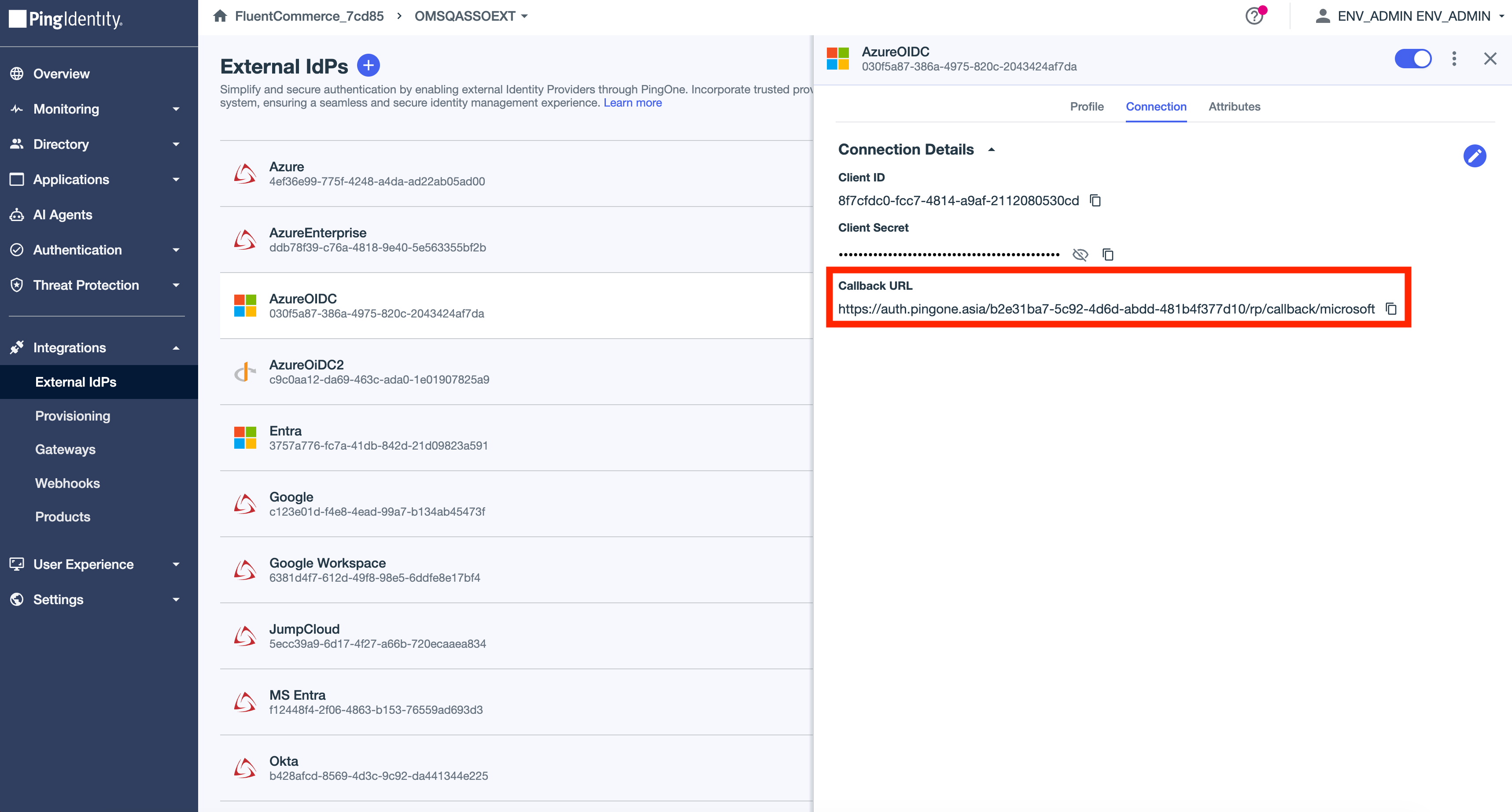
- Adding the Redirect URI to the Microsoft portal
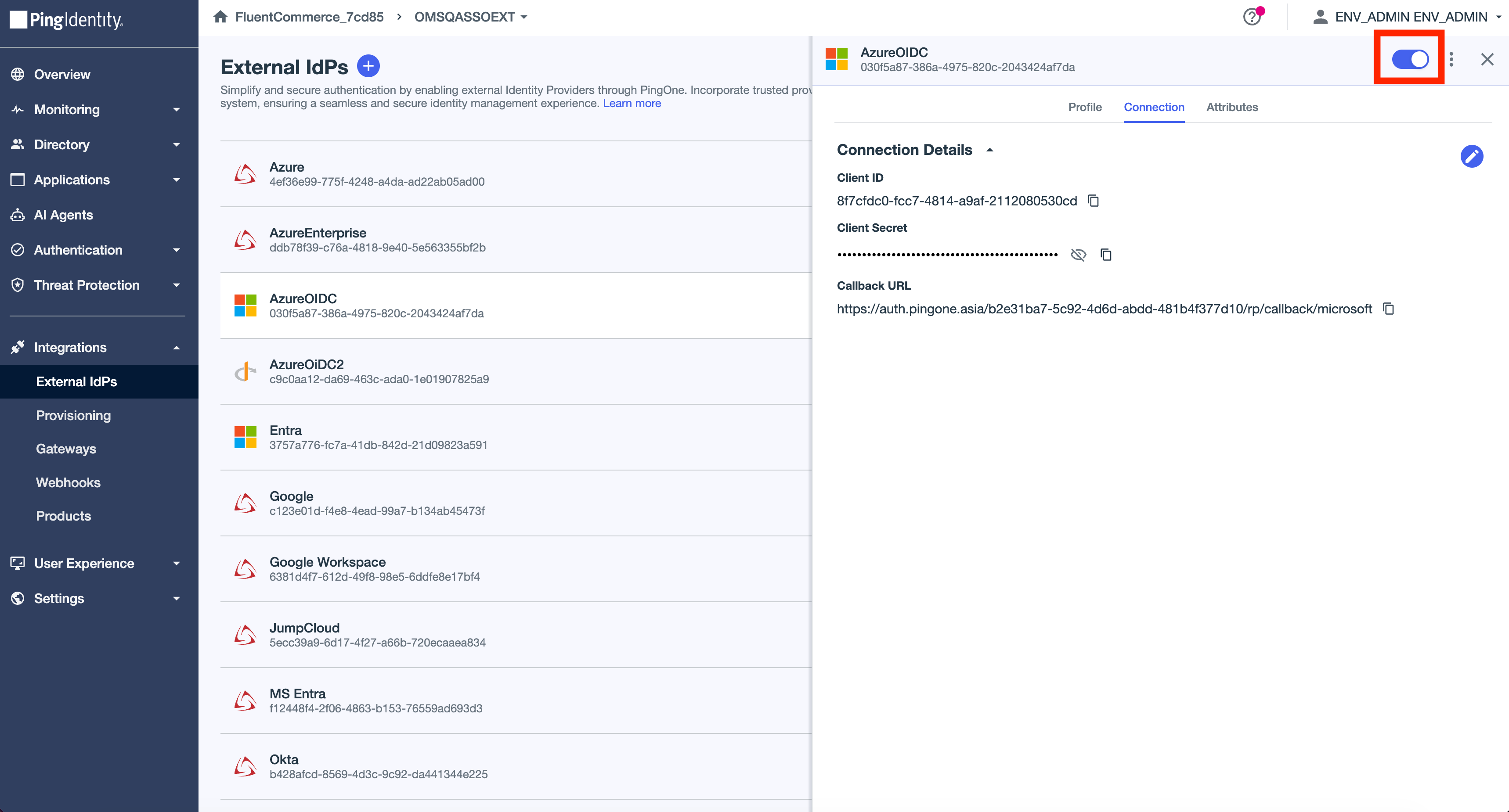
- Do not forget

 Step 1