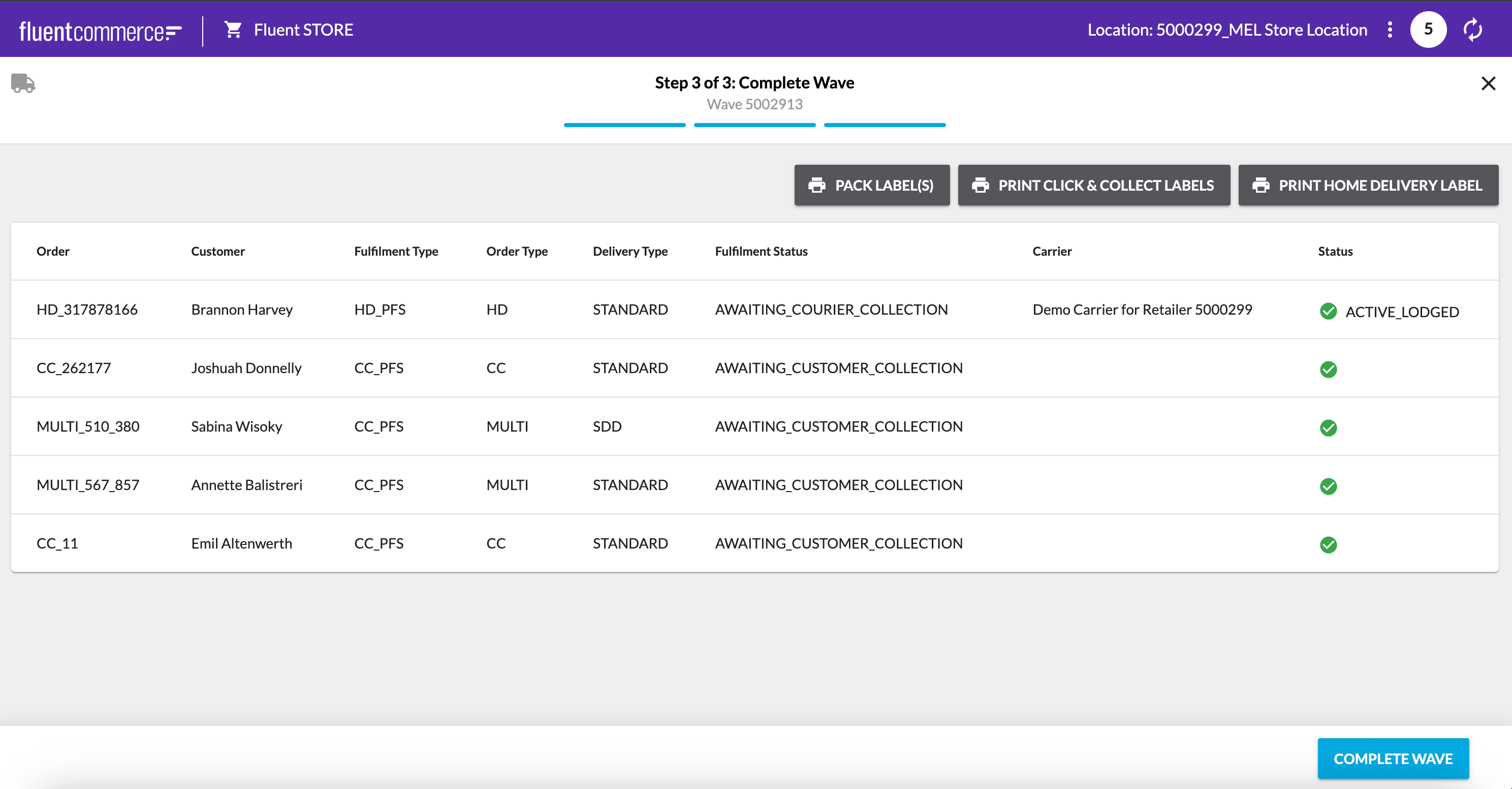
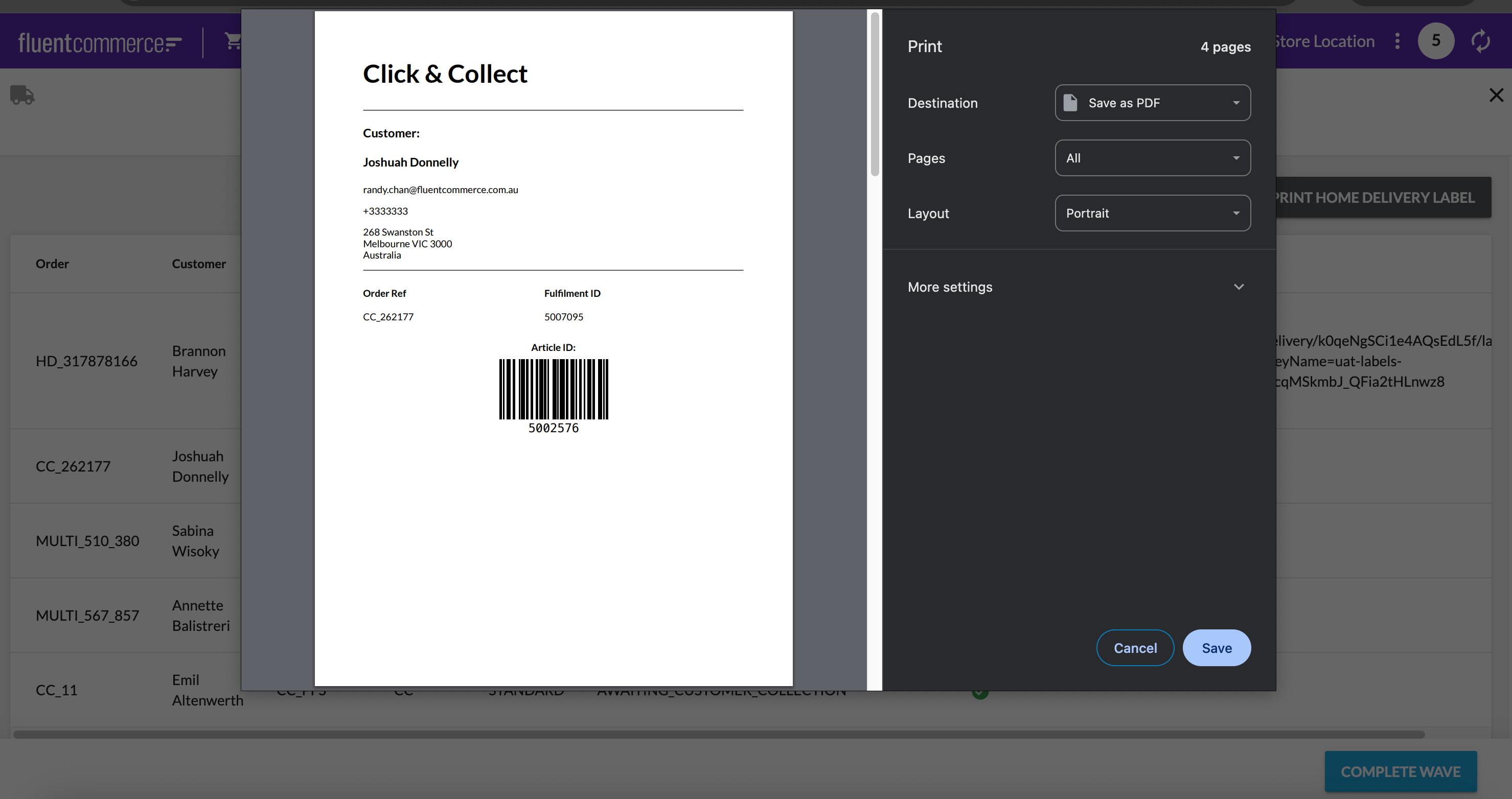
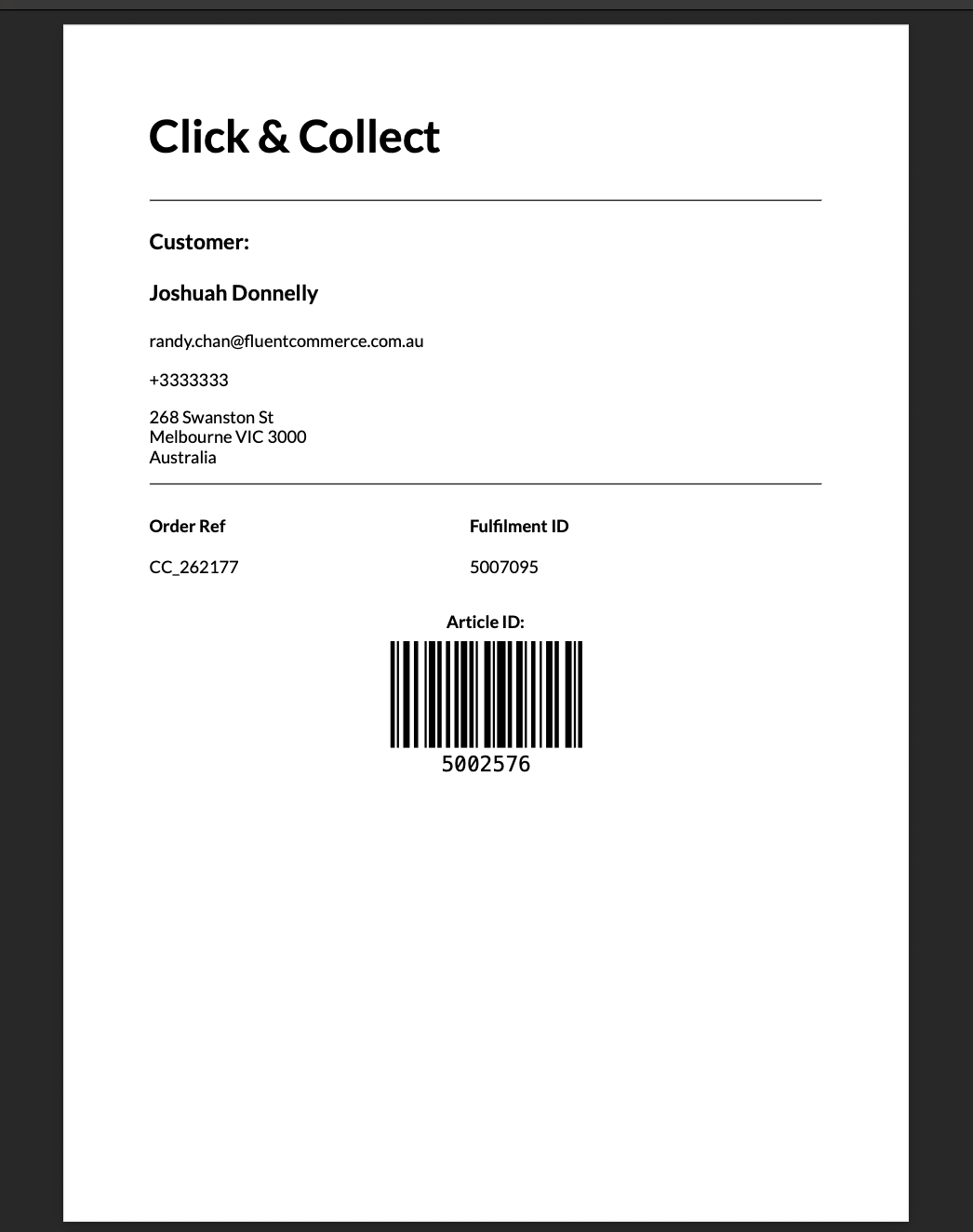
Create a custom Click and Collect pack label
How-to GuideStep-by-step guides to achieve a specific scenario or setup.
Extend
Author:
Randy Chan
Changed on:
16 May 2025
Key Points
- The CC pack label on the Fluent Store can be customised via an HTML template.
- This guide will take you through the setup and fragment changes required to customise the pack label.
- The printed pack label can then be attached to the paper bag or parcel ready for customer collection in-store.
- Enhancements can be made to the reference label content. For example, the client's logo or an additional barcode for scanning purposes can be included.
Prerequisites
Steps
Except as otherwise stated in the Extend Knowledge Content site policy, the content on this page is licensed under the Creative Commons Attribution 4.0 Licence, and any code samples that appear on this page are licensed under the Apache 2.0 Licence, unless any code sample forms part of the Fluent Order Management Platform code. Neither of these licences apply to any content on any other page that can be reached via a link on this page unless otherwise specified on that other page. If you wish to use any of the Extend Knowledge Content, you must do so in compliance with the licenses referred to above and the Extend Knowledge Content site policy, including attribution in the manner set out on this page.

 Overview