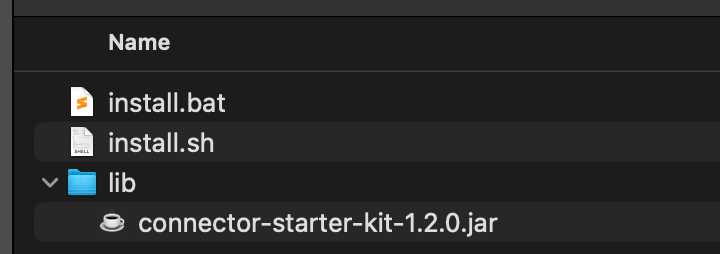
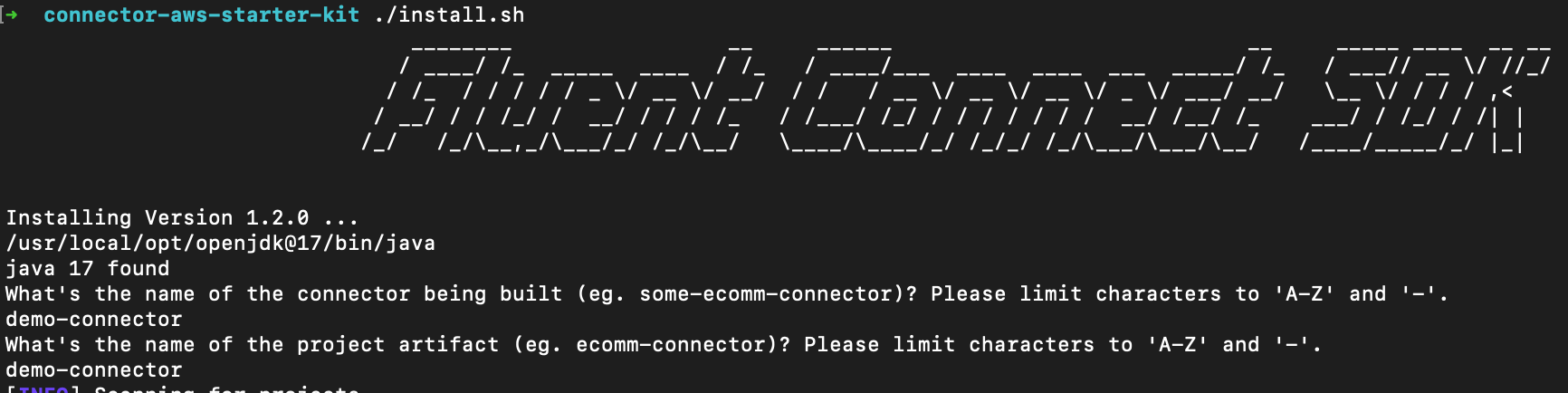
With the last package of the Connect SDK starter kit, the zip file will contain the following structure:To create your first Fluent Connector, run the appropriate installation script for your operational system and follow the prompts. It will ask to provide 2 inputs:
Name of the connector
Name of the project artifact
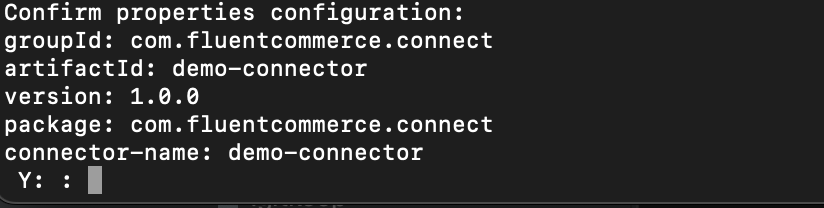
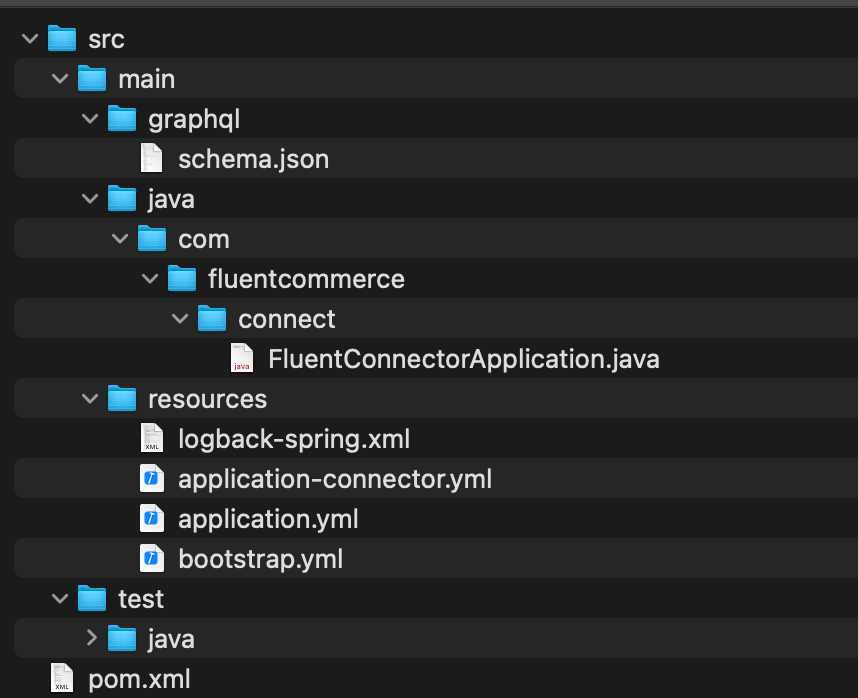
Towards the end, it should present a final summary for confirmation before the project is created. Confirm by typing 'y' at the terminal window.Once the project generation step is complete, a blank canvas maven project will be available in the same folder from where the installation command was executed.
Configuring the project
The next step covers the setup of your IDE and getting localstack up and running. See Dev Environment Setup for more details.
To configure your credentials on localstack, use this guide - Credential setup
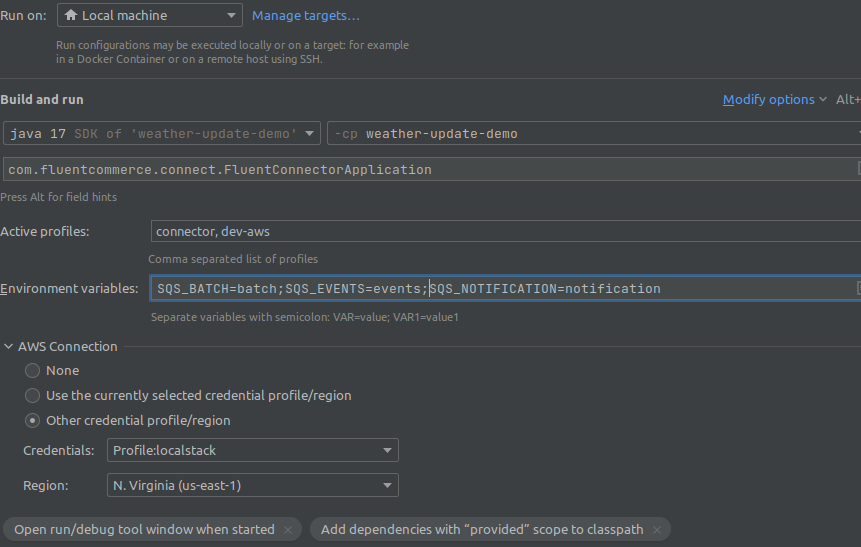
Create the project run configuration on your IDE to start the project. The example below illustrates the following configuration:


 Generating a project