
Cross-Catalog Views
TopicTopics usually cover more ground than other articles.
Author:
Fluent Commerce
Changed on:
14 Apr 2024
Author:
Fluent Commerce
Changed on:
14 Apr 2024

Author:
Fluent Commerce
Changed on:
14 Apr 2024
 The Cross-Catalogue Views – Retailer List displays information in the following columns:
`ID` is a link to go to the Cross-Catalogue Views page. Clicking `ID` opens the Cross-Catalogue Views page.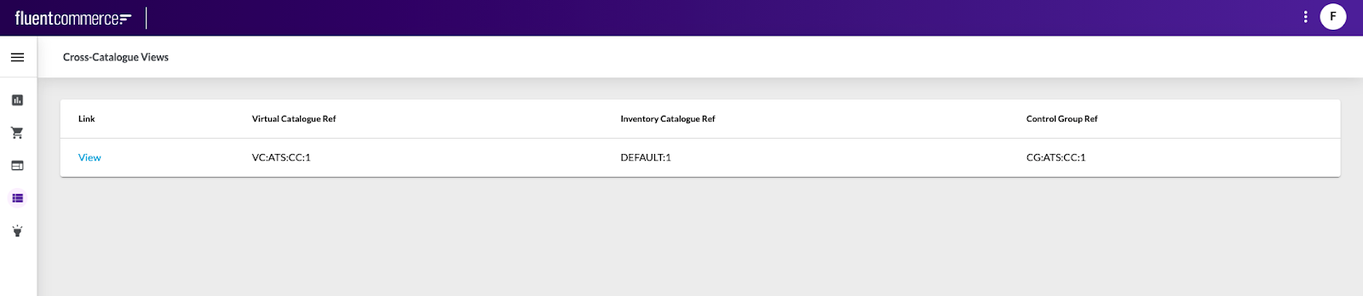 Information is displayed in the following columns:
`View` is a link to go to the Cross-Catalogue Views Details page. Clicking `View` navigates to the Cross-Catalogue Views Details page.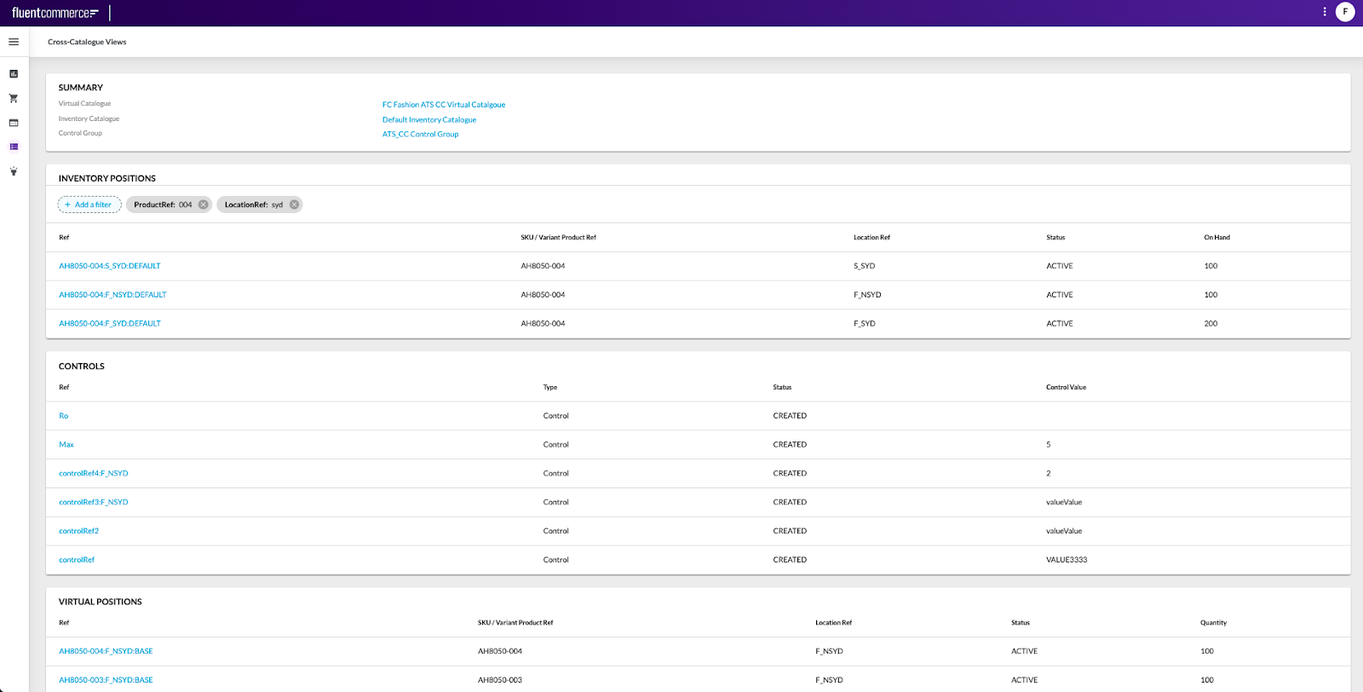 The detail view consists of the following:
 The summary card contains the following information:
 To search for and view inventory position details the filter is used. The filter performs the search based on the following filtering criteria:
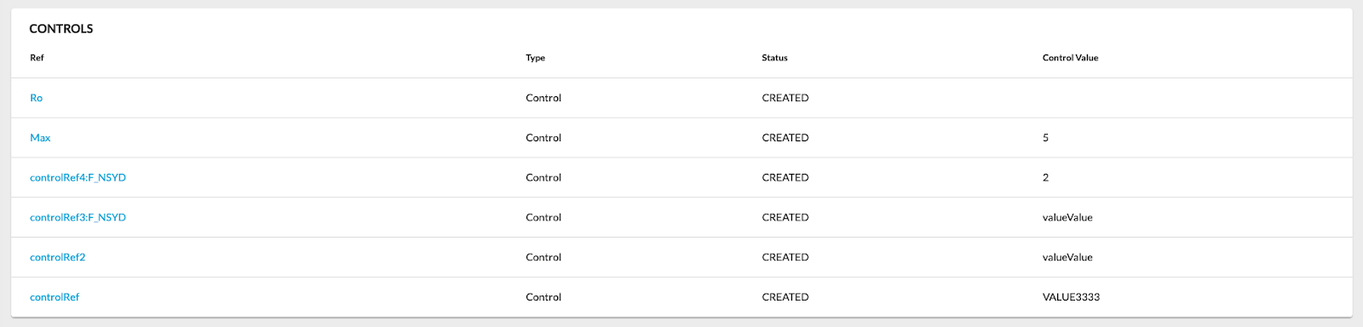 Controls table displays information in the following columns:
`(Control) Ref` is a link to go to the control details page. Clicking `Ref` opens the details page.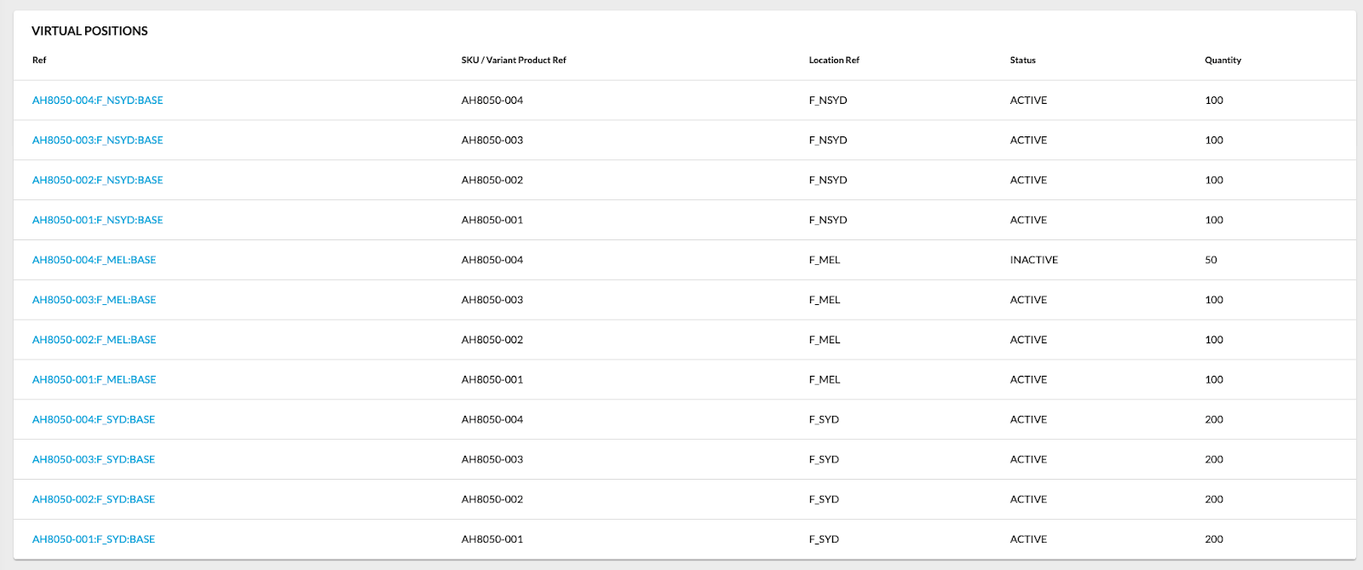 Virtual Positions table displays information in the following columns:
`(Virtual Position) Ref` is a link to go to the virtual position details page. Clicking `Ref` opens the Virtual Position Details page.The paging control is placed at the bottom of the tables. It includes the following: