
Enable Sorting in a Picklist
How-to GuideStep-by-step guides to achieve a specific scenario or setup.
Author:
Fluent Commerce
Changed on:
4 July 2024
Key Points
- Properties of CUSTOM_PICK_LIST_SORT_CONFIG Setting
Author:
Fluent Commerce
Changed on:
4 July 2024

 Overview
`sku.reference` field (variantProduct.reference).Prerequisite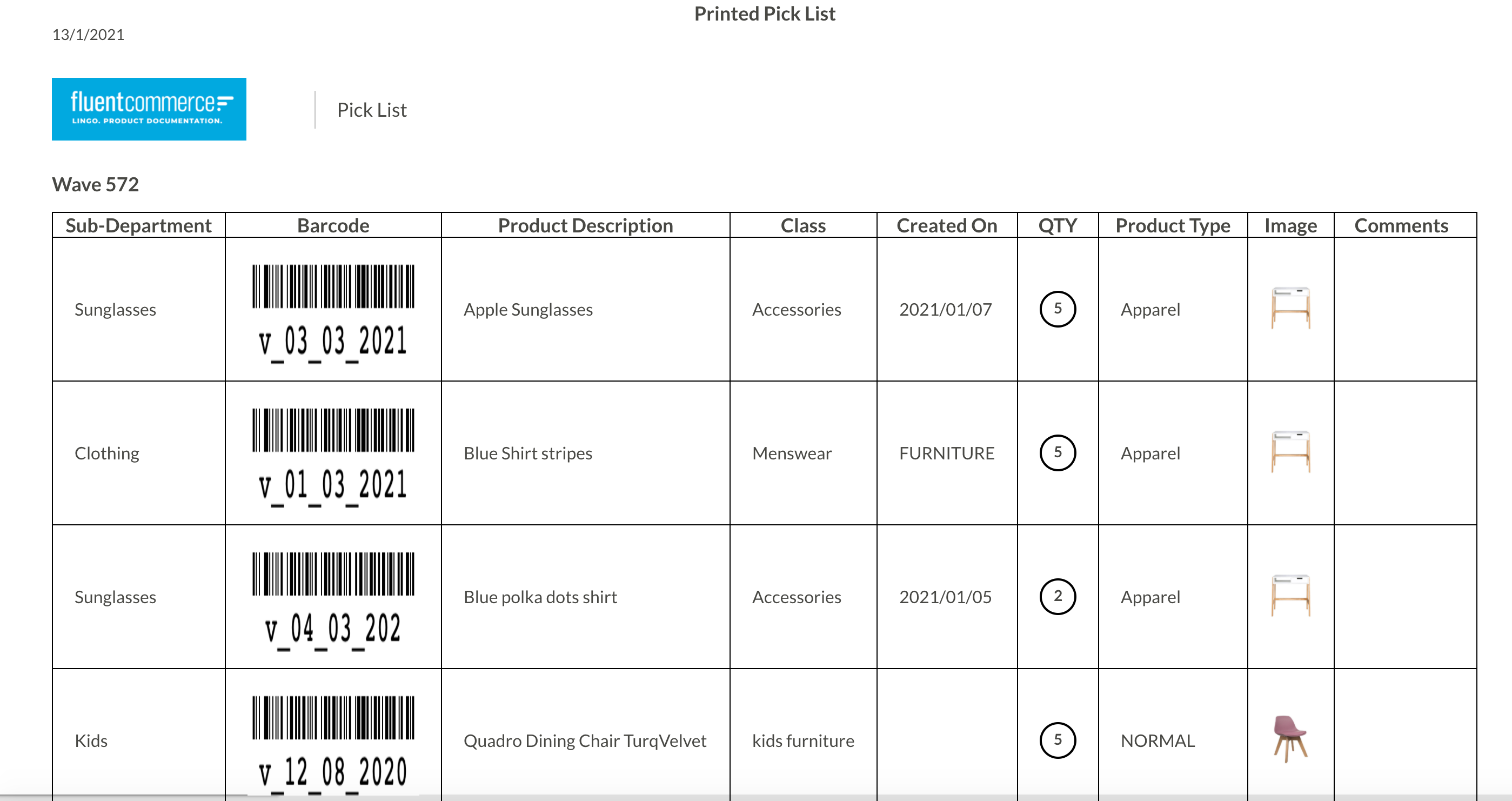 The sorting criteria are defined in the CUSTOM_PICK_LIST_SORT_CONFIG retailer settings and can have the following sample JSON values:The above example is for sorting the picklist at three levels with SubDepartment at level 1, CreatedOn at level two, and Total field at level three. This sorting hierarchy depends on the number of entries in the sort array. For example, the first entry (index 0) is the first level of sorting.
`sku.attribute.total` is a string field but needs to be sorted as a number in the following example:`ASC` or `DESC`). By default, sorting is in the ascending order.The following image shows a custom picklist sorted by SubDepartment and createdOn fields: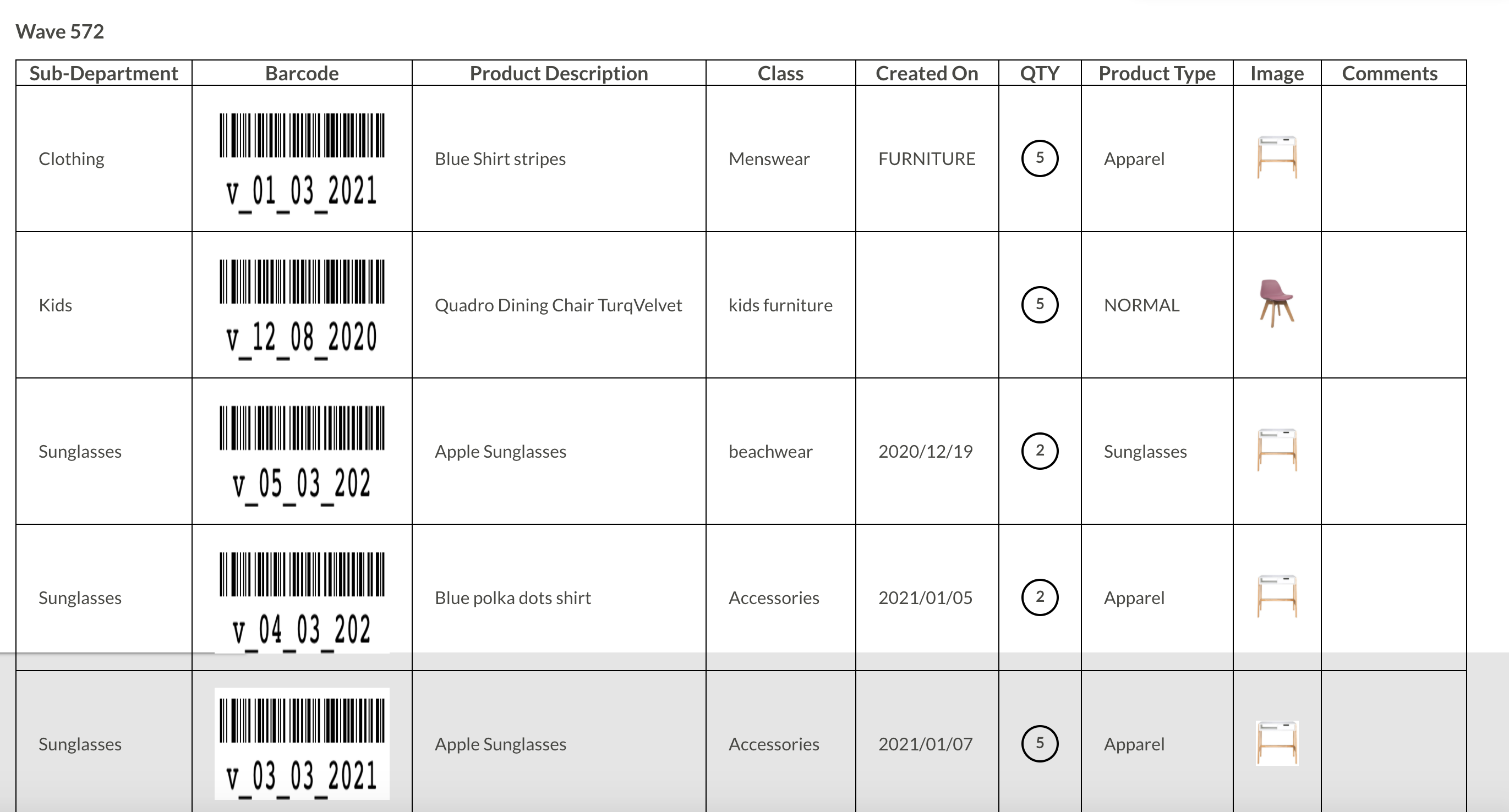
1{
2    "sort": [
3        { "field":"sku.attributes.subDepartment", "order": "DESC"},
4        { "field":"sku.attributes.CreatedOn" },
5        { "field":"sku.attributes.total", "type": "number"}
6    ]
7} 1{
2 "sort": [
3 { "field":"sku.attributes.subDepartment", "type": "string", "order": "DESC" },
4 { "field":"sku.attributes.total", "type": "number" }
5 ]
6}