Pack Field Component Sections Configuration in Fluent Store
How-to GuideStep-by-step guides to achieve a specific scenario or setup.
Author:
Yulia Andreyanova
Changed on:
26 Sept 2024
Key Points
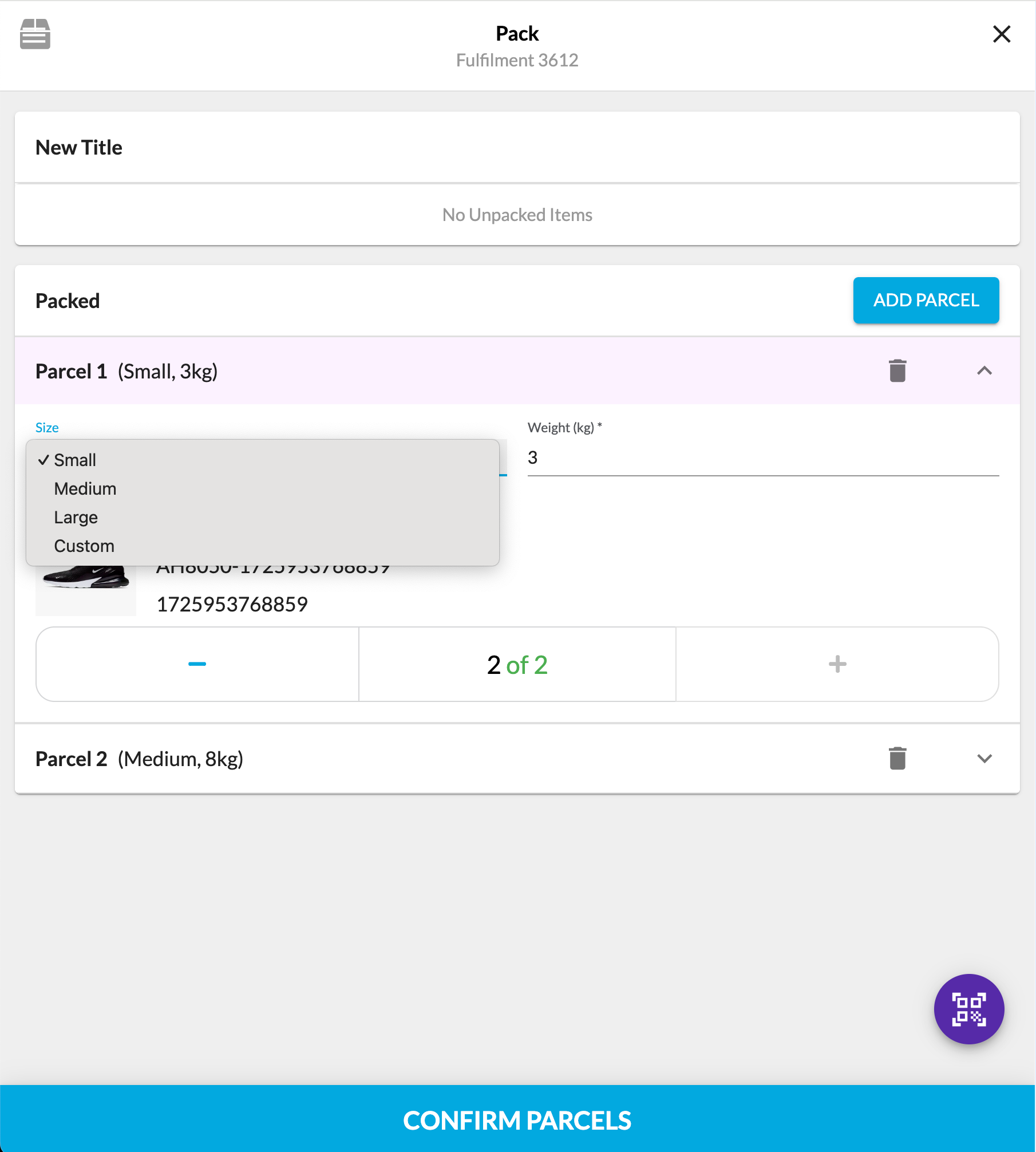
- This guide will walk you through configuring the main sections of the Pack Wizard: Unpacked Items, Packed Items, Rejected Items, and the scanner, enabling you to tailor it to your specific requirements.
- The default configuration does not include a list of parcel types with predefined dimensions. It only displays basic details of the items being packed (such as image, product name, and reference) and allows users to select from four predefined reasons for rejecting items.


 Create fc.mystique.fields.fulfilmentpack setting