
Switch Store Locations in Fluent Store
How-to GuideStep-by-step guides to achieve a specific scenario or setup.
Author:
Yulia Andreyanova
Changed on:
26 Feb 2026
Key Points
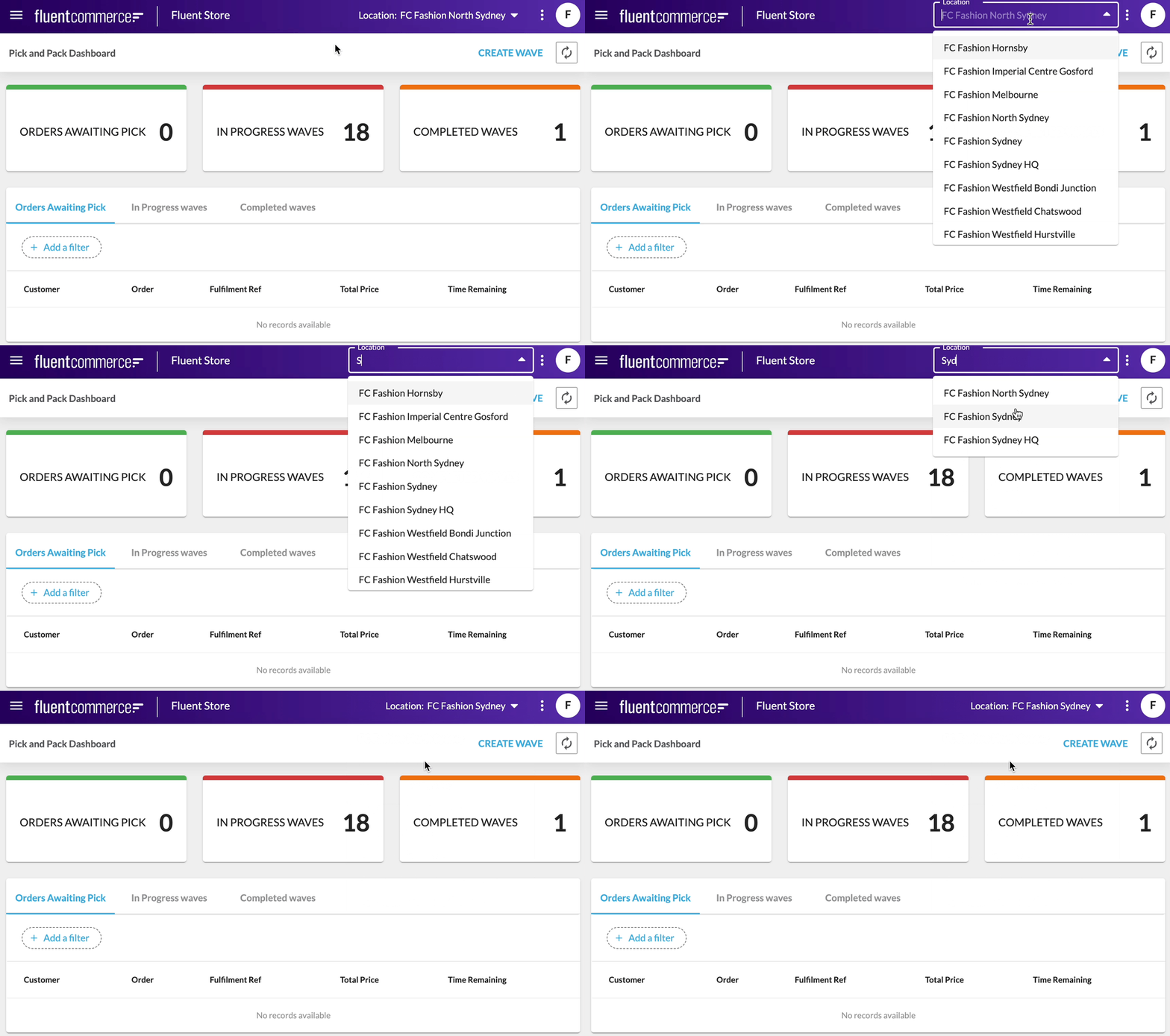
- Switch between locations directly from the top navigation bar.
- Only locations assigned to your user role are available.
- Your active location determines which data and actions are visible.
- If your device is configured with a predefined location, it may be applied automatically when you log in.

 Prerequisites