Essential knowledgeCore knowledge to understand Fluent Commerce
Changed on:
30 July 2025
Overview
This page covers how to configure the appropriate settings in the commercetools the commercetools system i.e.: custom fields, channels, etc. so that syncing can be enabled between it and the Fluent Commerce system.
Key points
Custom fields are required for Orders, Order Line Items, Delivery, Channels, and Parcels, with specific field names provided.
Project configuration files include application-connector.yml, application.yml, bootstrap.yml, and logback-spring.xml for different settings and environments.
Route mappings are used to map incoming messages to handlers, with examples provided for configuration.
Listeners manage different types of queues, including batch jobs, internal messages, notifications, and commercetools events.
Detailed configuration examples and instructions are available for customizing routes, handlers, and Fluent account mappings.
Prerequisites
Custom fields will be required for the following areas:
Order
Order Line Item
Delivery
Channels
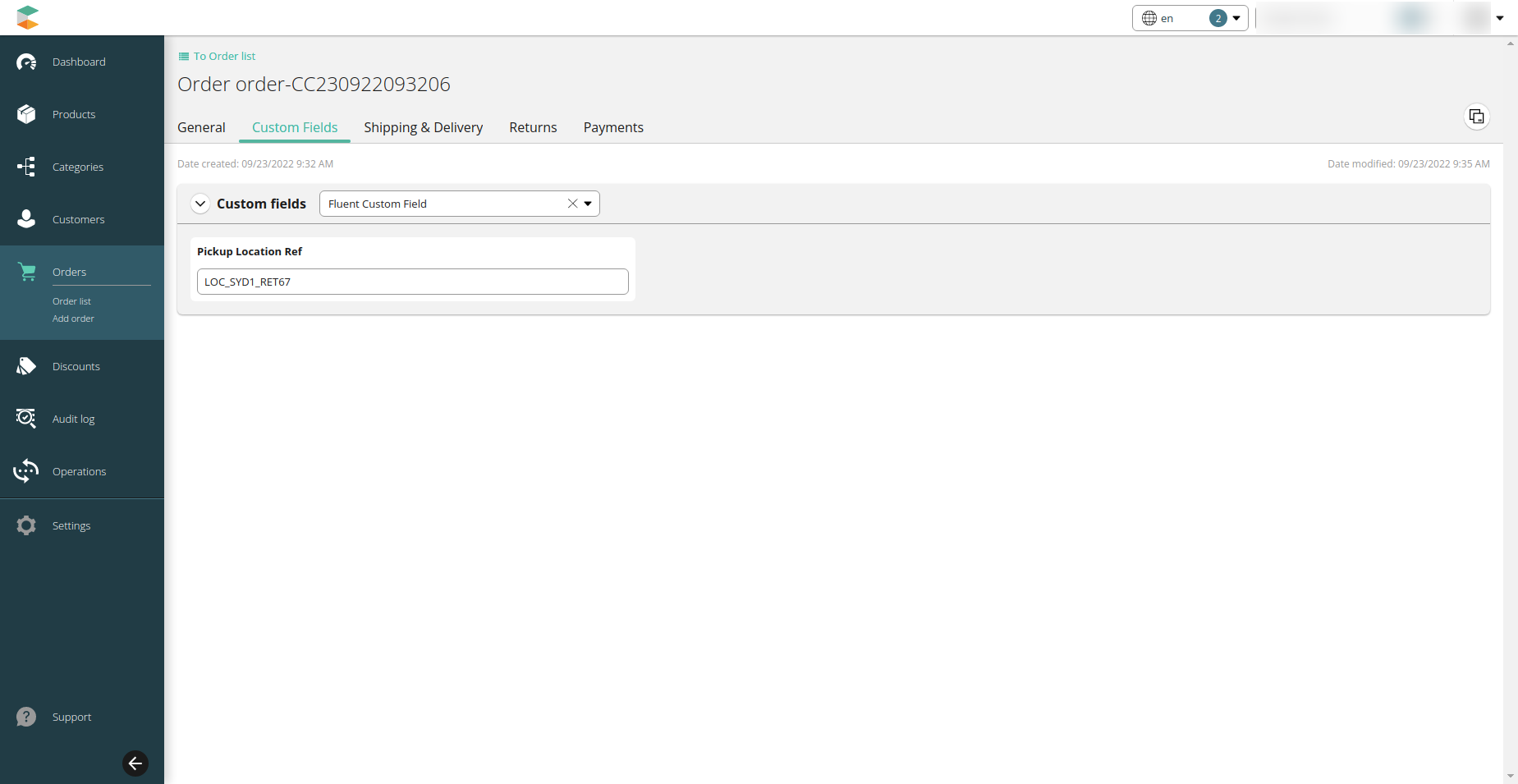
Order
Group key name: Fluent Custom Field
Field name: Pickup Location Ref
Order Line Item
Group key name : Fluent Fulfilment Metadata
Field name : Fulfilment Metadata
Delivery
Group key name : Fluent Consignment
Field name : Fluent Consignment Ref
Fluent Consignment Status
Order Parcel
Group key name : Fluent Article
Field name : Fluent Tracking Url
Channels
Group key name: Fluent Store Details
Fields name:
Type
Status
Email
Phone No.
Latitude
Longitude
Timezone
Opening Schedule
Attributes
commercetools Custom field collection
Project Configuration
The resource folder of the project contains all build time configurations for the commercetools connector.
application-connector.yml - Project and Connector specific configuration.
application.yml - Core Connect SDK configuration. These are mostly default configurations and core settings.
bootstrap.yml - Server/Container configuration. This file includes settings for all different environments and follows the spring profile standards.
logback-spring.xml - Log configuration also supports different configurations based on spring profiles.
It is possible to have dedicated configuration files for each environment. This is often used to override a common setting for a particular environment. To create such a file, follow SpringBoot's format having the additional desired spring profile name at the end of the application.yml file, for example, application-dev.yml. More on [Fluent Account Listener Configuration][1].
Property
Description
connector-name
This is the name of the connector and this property is used to both name the connector as well as build the path of other configuration keys. Keep characters limited to 'a-z' and '-'.
route-mapping
Routes mappings are used to determine a route for an incoming message.
routes
Allows new routes to be defined or override existing route configuration.
listeners
All active listeners for the connector
credential.credential-manager
Sets the credential manager. When using AWS, keep the value as "aws-secrets-manager"
job-scheduler.job-scheduler-type
Sets the scheduler manager. Currently, the only possible value is "message-queue"
Route Mappings
When different kinds of messages (e.g. orders, categories, products, etc…) are received by the connector, it needs to be told how to map each kind to a handler. A handler has a single purpose for example to process orders. The snippet below illustrates a configuration that tells the connector to react to commercetools inbound messages that have the resource type `“order”` and message type `“ResourceCreated“`, and forward these to the appropriate handler. Messages that fail to map to any entry in this route mapping will be discarded.The next step in processing a message is to determine which Fluent retailer this message is for. This is done by taking the project-key from the commercetools message and doing a lookup at the connector Fluent account mapping setting. For more information on how to configure this setting, follow this guide.
Routes
Handlers by default have a predefined route and properties set but it is possible to override them through the configuration files. The example below will show how to override an existing route. To view all available handlers and routes, check Connector FeaturesIt is possible to modify its behaviour by specifying a different property value. Note that if the route name is different from the original one, a new route is created and the original is still valid.The format of this configuration block is as follows:
Listeners
There are 4 listeners in this connector
batch - used to process queued jobs.
messages - used to queue internal connector messages.
notification - for internal connector events that require an external notification.
commercetools_events - queue to receive all commercetools application events. This queue behaves differently from the other queues and it requires a property fluent-account with the Fluent account to be used by the connector. Without this property, this queue will fail to start.
Note
Out-of-the-box some custom fields are not displayed on the Merchant center and can be accessed through API only.
1{2"route":"batch-inventory-sync",3"handler":"InventorySyncJob",4"priority":0,5"rops":{6"page-size":"500"7},8"className":"com.fluentcommerce.connect.client.commercetools.handler.job.InventorySyncJobHandler",9"description":"Sync inventory details from Fluent to commerceTools"10}
1routes:2#possible values: job, message or notification3job:4route:"<route-name>"5handlerName:"<handler-name>"6props:7#this flexible. Consider this is a map of String: String/int/double/long8page-size:"1000"