
Learning - Workflow Framework Rules and Rulesets
Essential knowledge
Changed on:
1 Nov 2024
Overview
[Warning: empty required content area]Key points
[Warning: empty required content area]To fuel your business, you need business logic. But what makes business logic in Fluent Order management? ...It's the rules and rulesets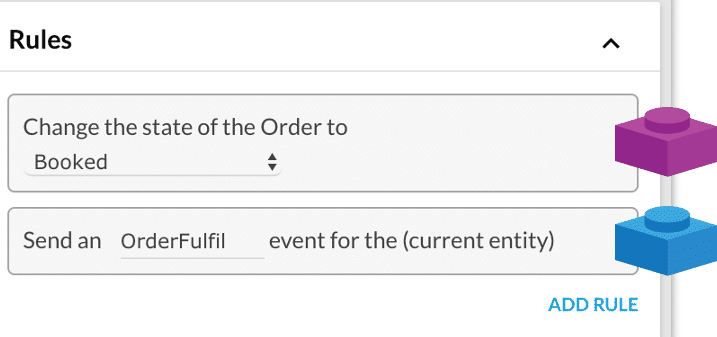
In this lesson, you learned about Rules and Rulesets. Let's jump into the next lesson to learn more about the Workflow Builder and also learn how to create a Ruleset.
What is a rule?
A Rule represents a single piece of business logic that can be configured and reused. Rules:- have a single purpose.
- produce a single Action.
- the outcome is always an action such as sending a new Event or updating data on an Entity
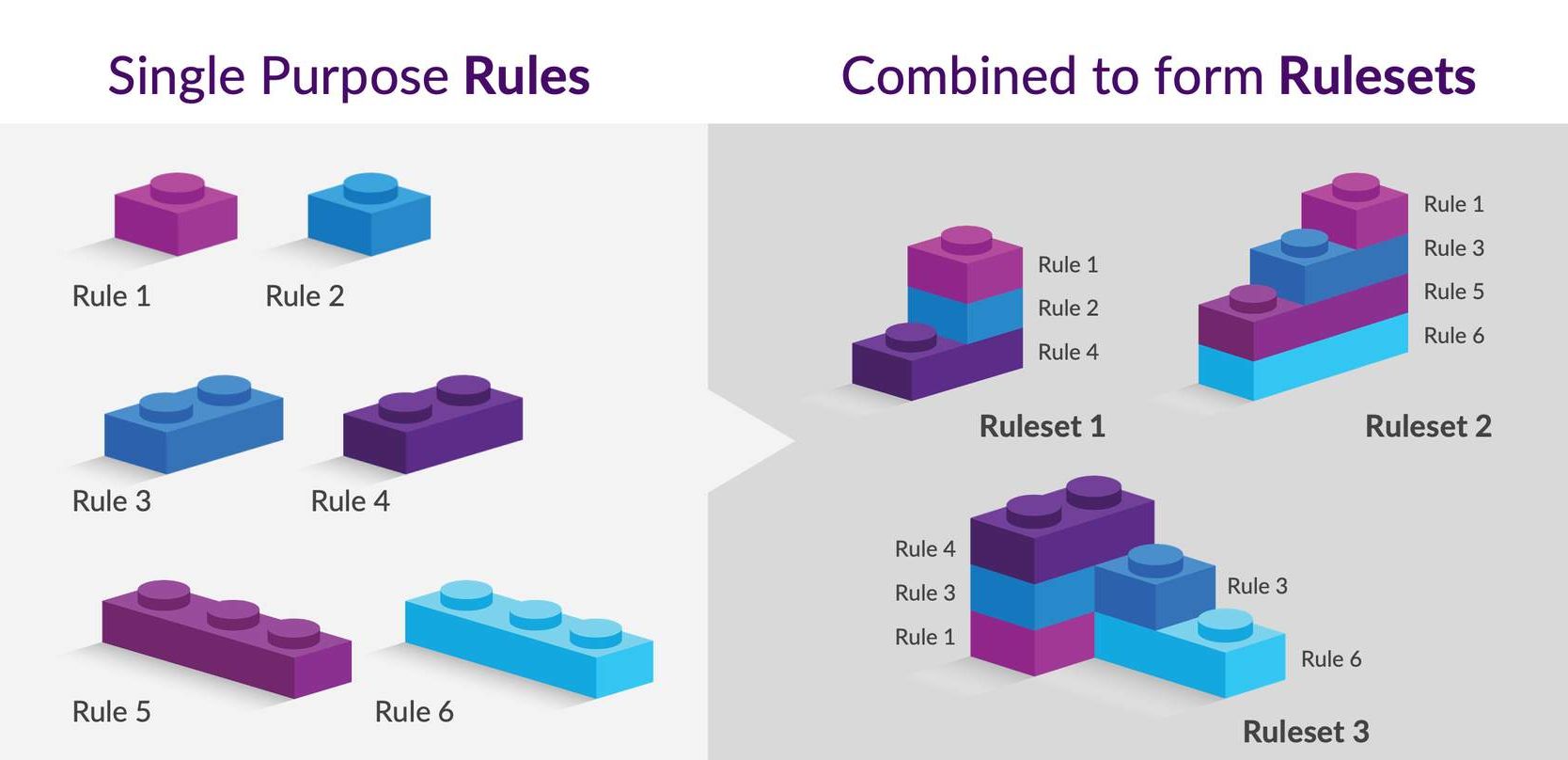
- are combined together to form a Ruleset.
- Change the state of an Entity
- Send an email
- Fulfill Order from the Collection point
- Send a new Event
What is a Rulseset?
A Ruleset is a collection of one or more Rules which get executed upon receiving a matching trigger via an Event. Rulesets are a combination of rules used to deliver a piece of business logic. The execution of a Ruleset can transition the entity through the lifecycle by changing its state, or it may just result in non-transitional actions, such as sending an email to a customer.The contract to trigger an event requires the trigger states, rule parameters, and attributes.All the rules defined in the Ruleset execute in sequence.- Rule/rulesets can have outcomes as Actions.
- Rulesets can also have User Actions configured.
Actions and user actions
An Action represents an outcome of a Rule. Actions from rules executed are applied at the end of the event execution.Listed below are some of the action examples:- Creating a new Event
- Creating or updating an Entity
- Triggering a third-party action. E.g. Sending an email or posting a webhook request.
| Single rule | A Rule represents an atomic business logic that can be configured and reused. |
| Rule 1-Example 1 | An example of a single rule: "Send an email " which represents one use case in the business. |
| Rule 2-Example 2 | Another example could be a rule to change the State of Order from booked to fulfilled. |
| Rule 4 – Example 3 | You can have rule to send an event, like the " OrderFulfil" event for the Order entity. |
| Ruleset | Rulesets are a combination of rules to deliver a piece of business logic. |
| Ruleset Example 1 | We can configure Rule1, Rule 2, and Rule 4 together to accomplish the goal of sending order fulfillment events for the Order entity as well as to send an email about confirmation of state changed. |
| Ruleset Example 2 | Similarly, we can reuse and configure rules 1, 3,4 and add more rules to make another ruleset. You can configure one rule multiple times in the same ruleset. |
