- Get Started
- Functionality
- Learning
- Extension
- Dev Tooling
- APIs
- Releases

Docs
Authors:
Yulia Andreyanova, Kirill Gaiduk
Changed on:
27 July 2026


`arrayPath` to define which array should be sorted`sku.attributes.byName.Size`)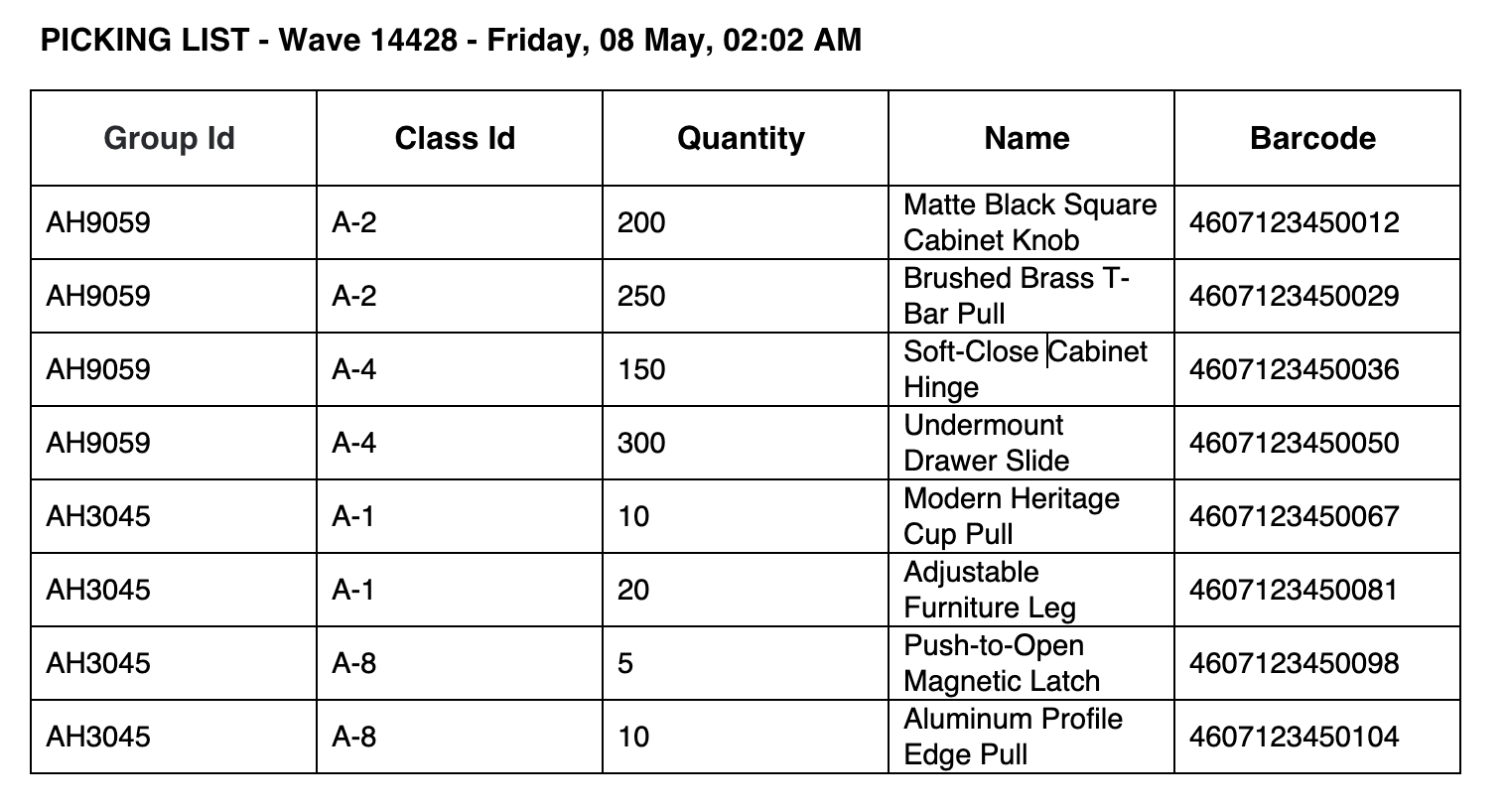
 Prerequisites
`setting` propertyConfigure the Print Button`sort` property to the Print Button configuration.The value of the `sort` property must match the name of the setting that contains the sorting configuration.Configure the sorting setting`sort` property.| Property | Type | Required | Default | Description |
`arrayPath` | `string` | no | none | Dot-separated path to the array within the printable data that should be sorted, for example `items` |
`sort` | `array` | yes | none |
|
`field` | `string` | yes | none |
|
`order` | `string` | no | `ASC` |
|
`type` | `string` | no | `string` |
|
Multi-field sorting`node.groupId` in descending order first, then by `node.classId`, and finally by `node.qty` as a number.Sorting rules are applied in the order they appear in the `sort` array.1{
2 "component": "fc.button.print",
3 "props": {
4 "label": "i18n:fc.sf.ui.print",
5 "setting": "fc.print.picklist.template",
6 "sort": "fc.print.picklist.sort.config"
7 }
8}1{
2 "sort": [
3 {
4 "field": "qty",
5 "order": "DESC",
6 "type": "number"
7 }
8 ],
9 "arrayPath": "items"
10}1{
2 "sort": [
3 {
4 "field": "groupId",
5 "order": "DESC"
6 },
7 {
8 "field": "classId"
9 },
10 {
11 "field": "qty",
12 "type": "number"
13 }
14 ],
15 "arrayPath": "items"
16}