- Get Started
- Functionality
- Learning
- Extension
- Dev Tooling
- APIs
- Releases

Docs
Authors:
Nandha Balaguru, Dominik Malzacher, Cille Schliebitz, Anita Gu
Changed on:
31 Aug 2026



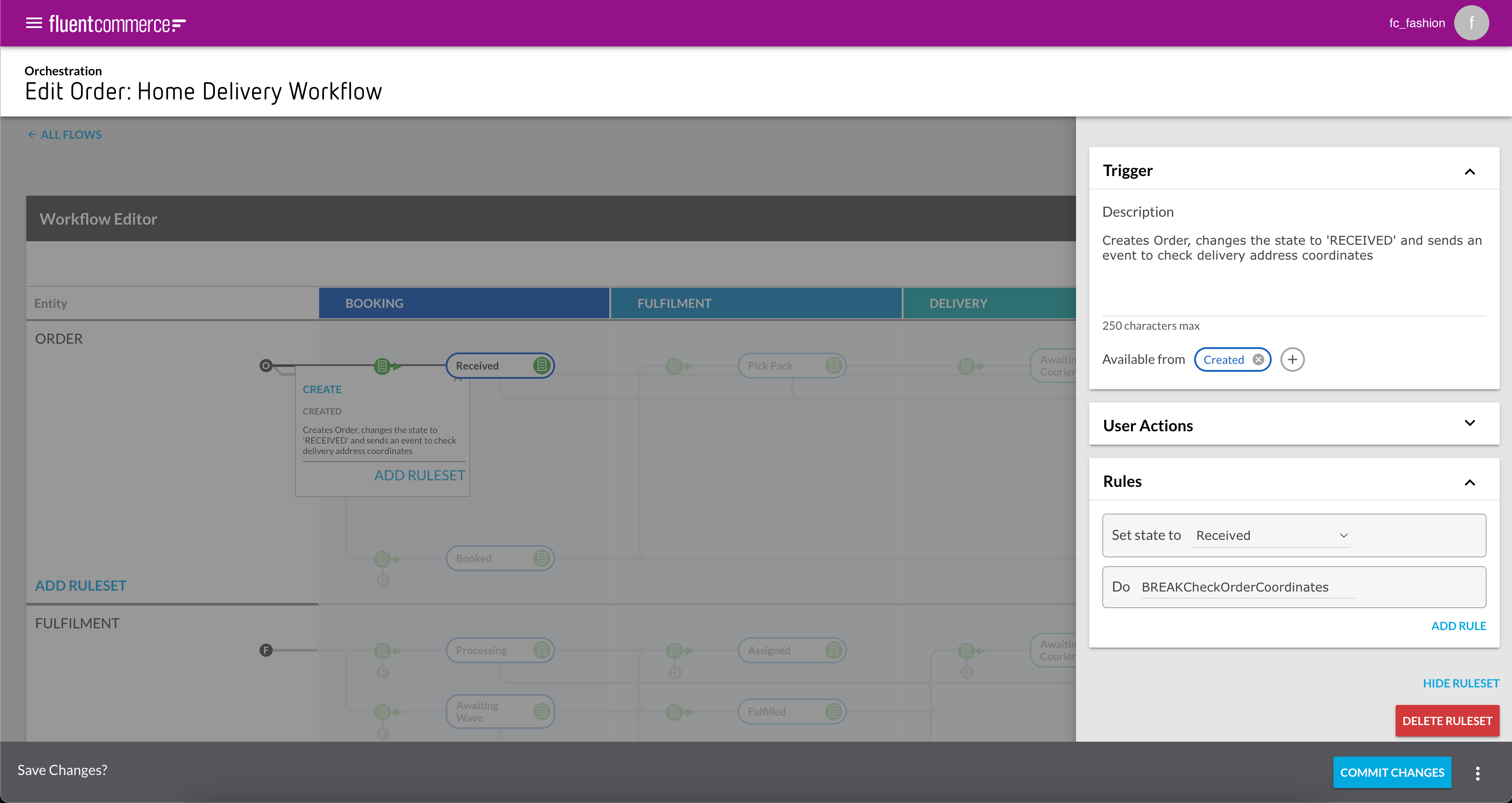
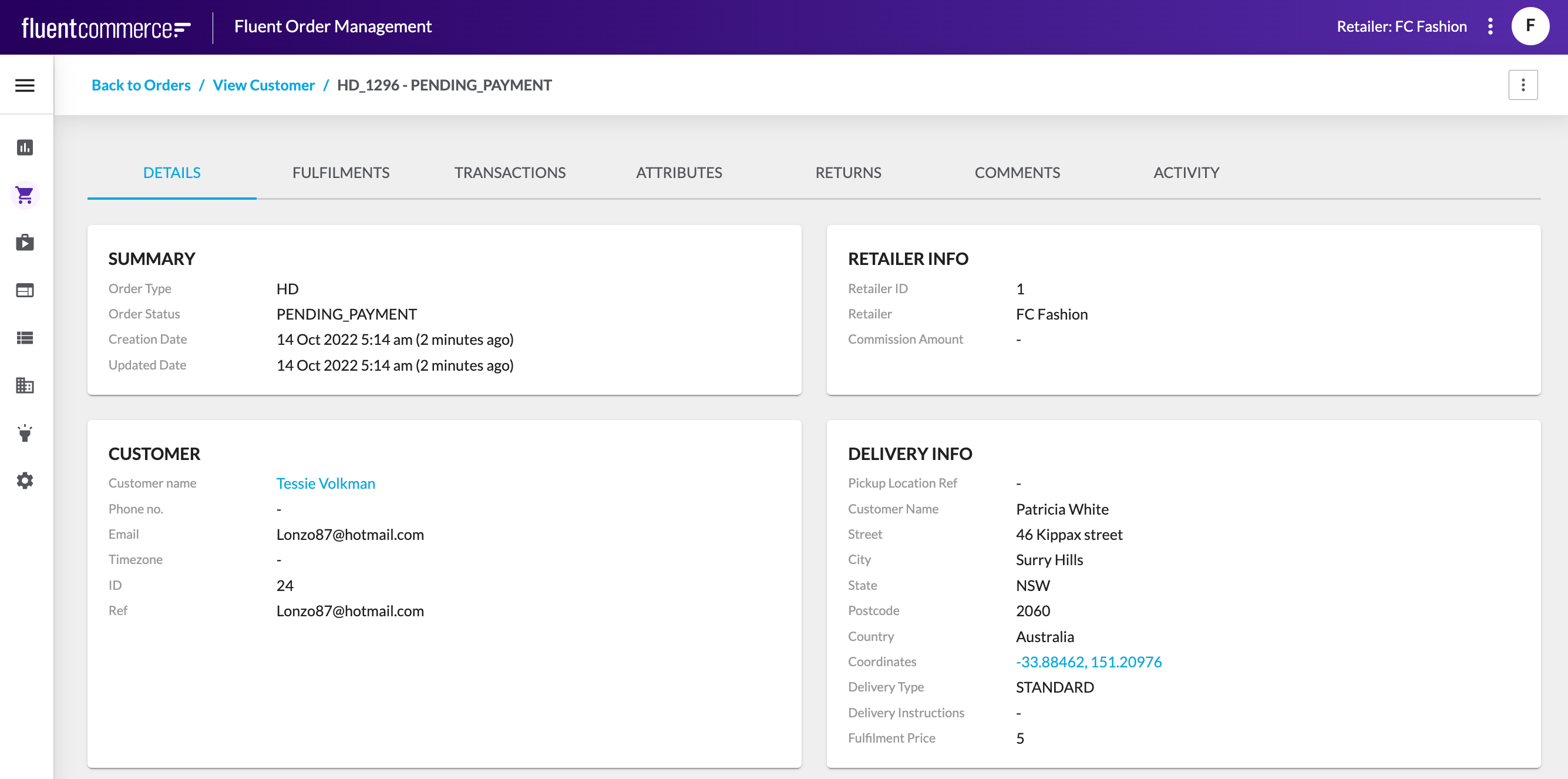
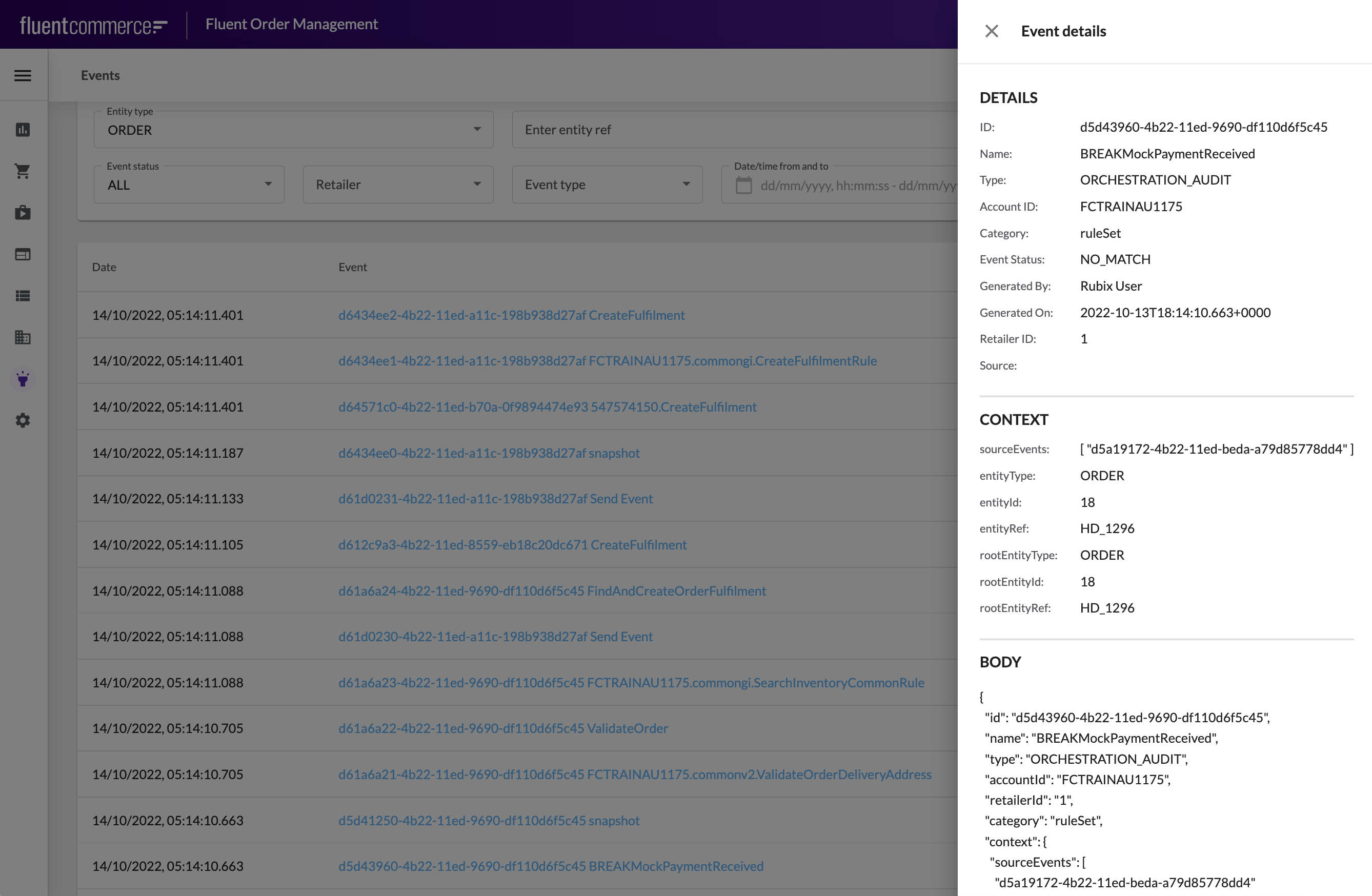
`context.rootEntityType` parameter to enable it, and type ORDER in the value field`context.rootEntityRef` parameter, and enter a valid Order Ref for a completed Order in your Fluent OMS Account (e.g. CC_123)`generatedOn desc` order.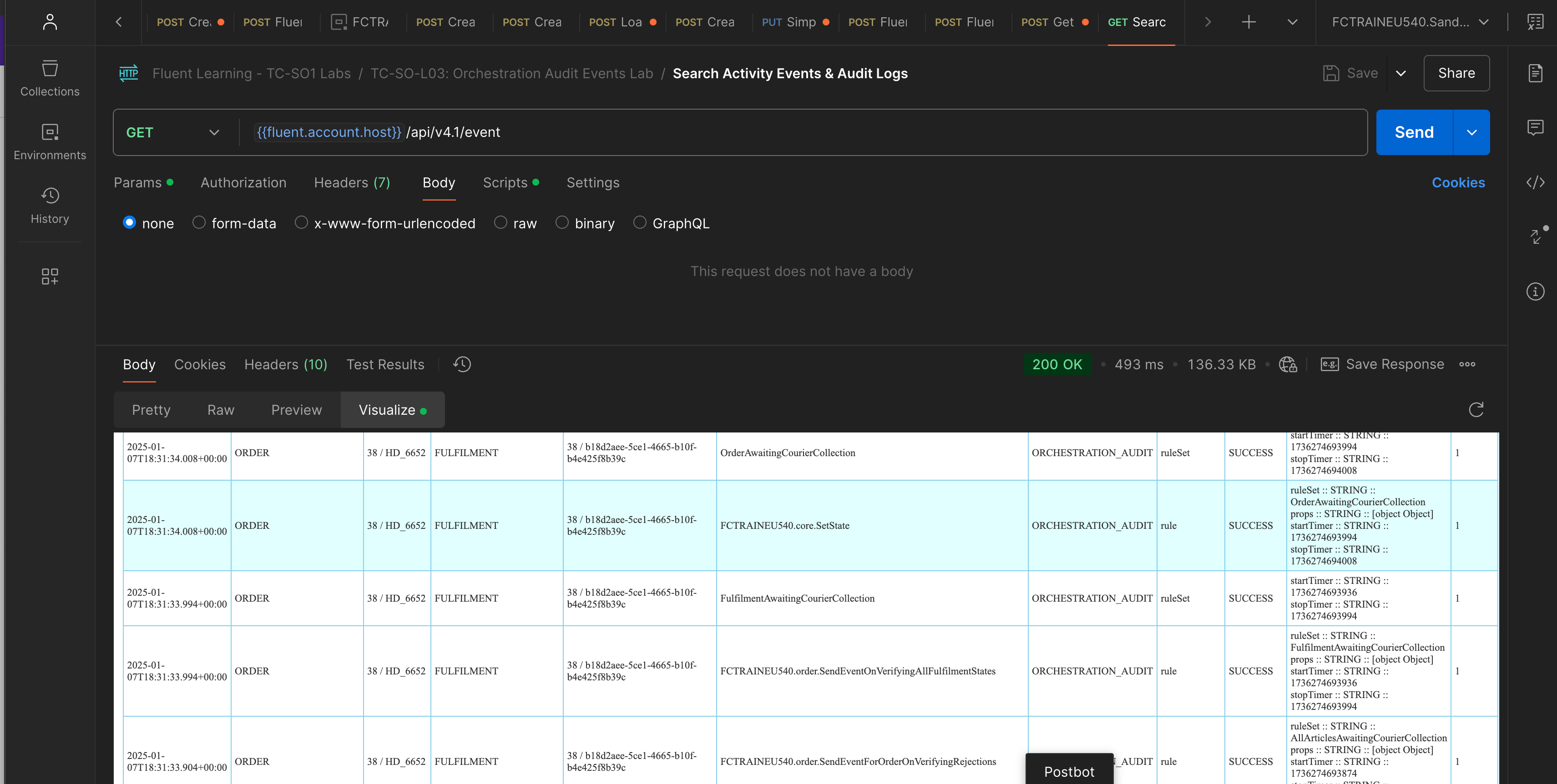
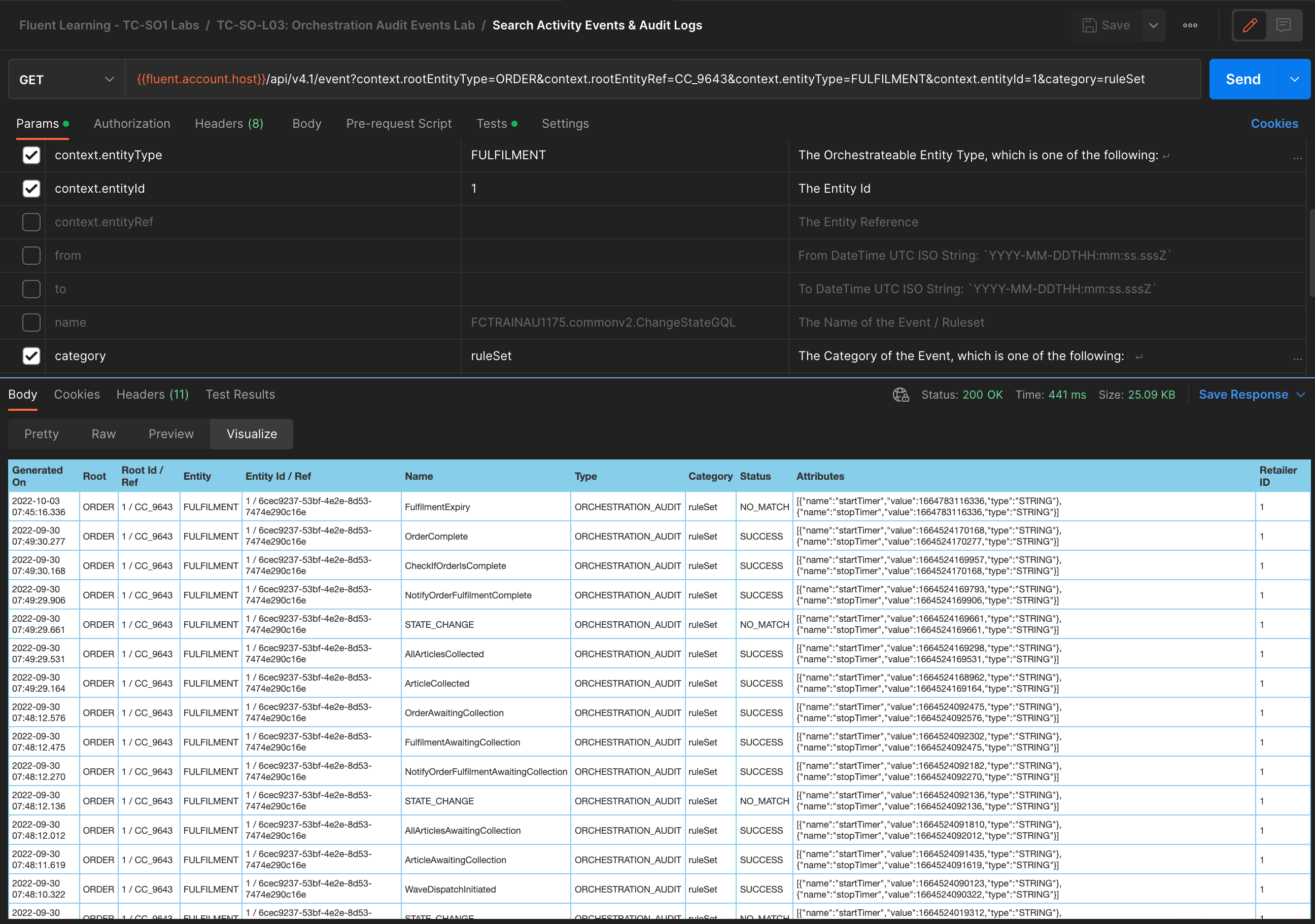
`context.entityType` parameter and set the value to FULFILMENT`name` parameter in Postman, and set the value to [YOUR_ACCOUNT_ID].core.SetState, where [YOUR_ACCOUNT_ID] is your training Account ID, e.g: FCTRAINAU123.core.SetState In the example in the Screenshot above, the Fulfilment which started out with a status of CREATED transitioned to PENDING_PAYMENT then AWAITING_WAVE --> ASSIGNED --> PICK_PACK --> FULFILLED --> AWAITING_CUSTOMER_COLLECTION --> COMPLETE.With these Events, you can trace the status transitions for the Entity, the time between each status change, overall time, and time spent in each status.
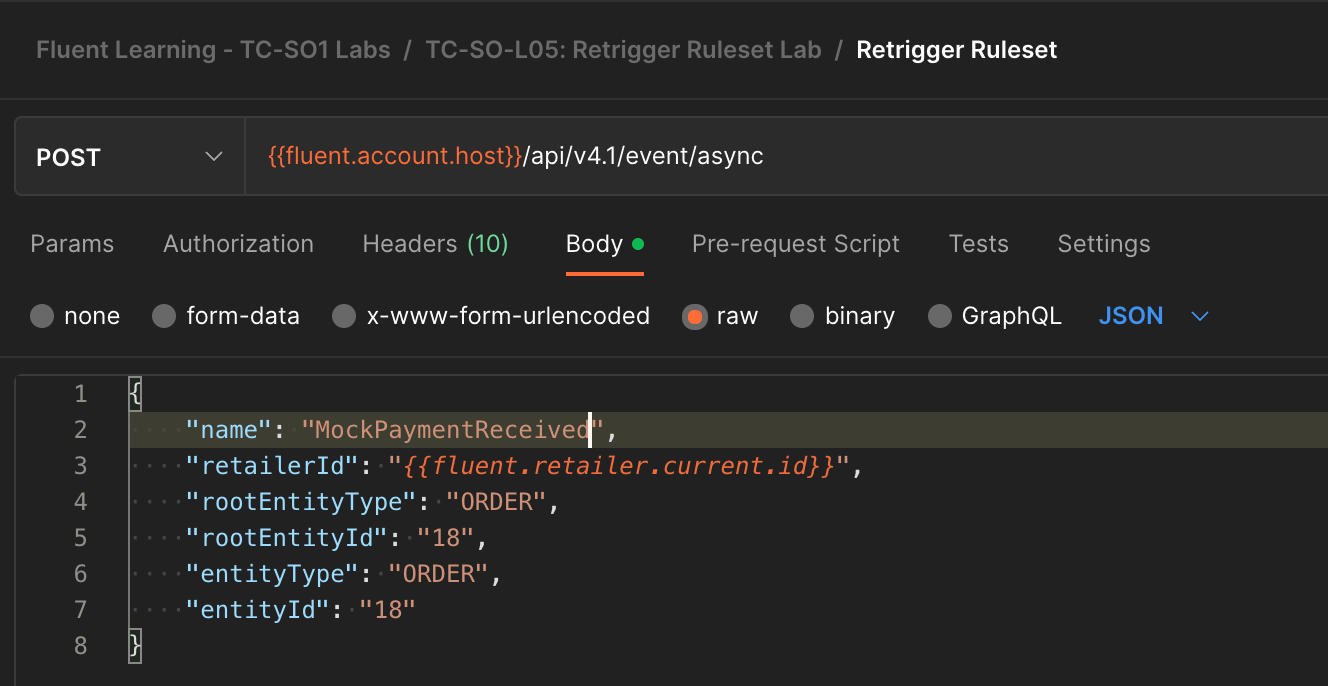
`durationInMinutes` which is currently set to 30. Since we don't want to wait for 30 minutes to use this query, change the value to 2 and save the request using the Save button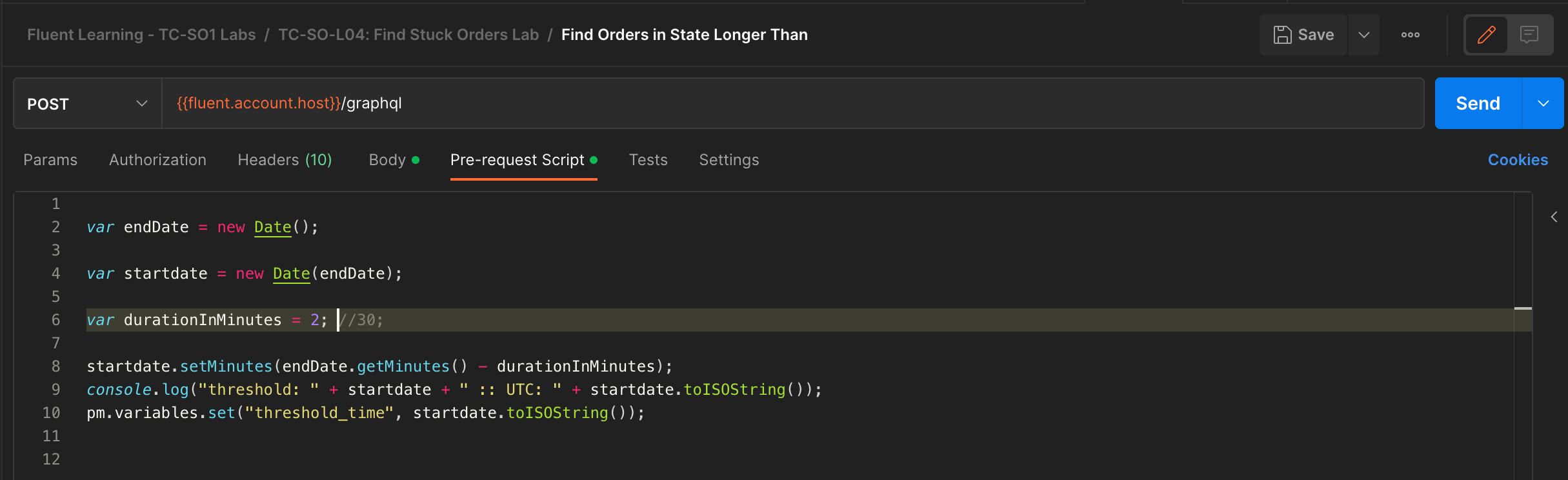
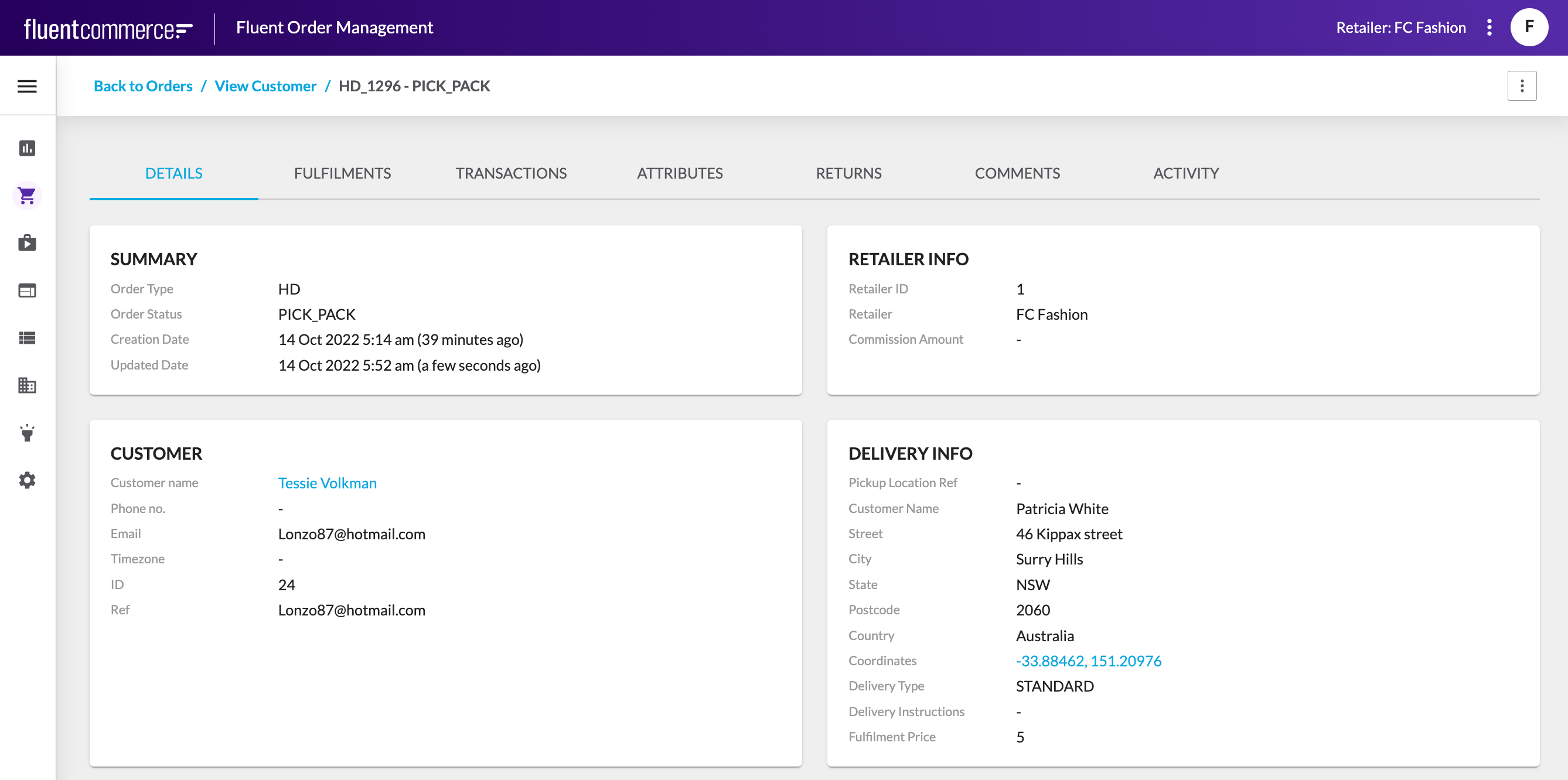
 This query is useful for identifying Orders that may be stuck, and allow you to look for the root cause. In this case, we know the root cause, since we deliberately simulated this invalid workflow, however there may be other reasons why Orders get stuck, such as failed integration events, etc.