
Print current Page in OMS Webapps
How-to GuideStep-by-step guides to achieve a specific scenario or setup.
Author:
Fluent Commerce
Changed on:
14 Sept 2023
Key Points
- a trick on how to print the current list page to the printer
Author:
Fluent Commerce
Changed on:
14 Sept 2023

 Current behaviour
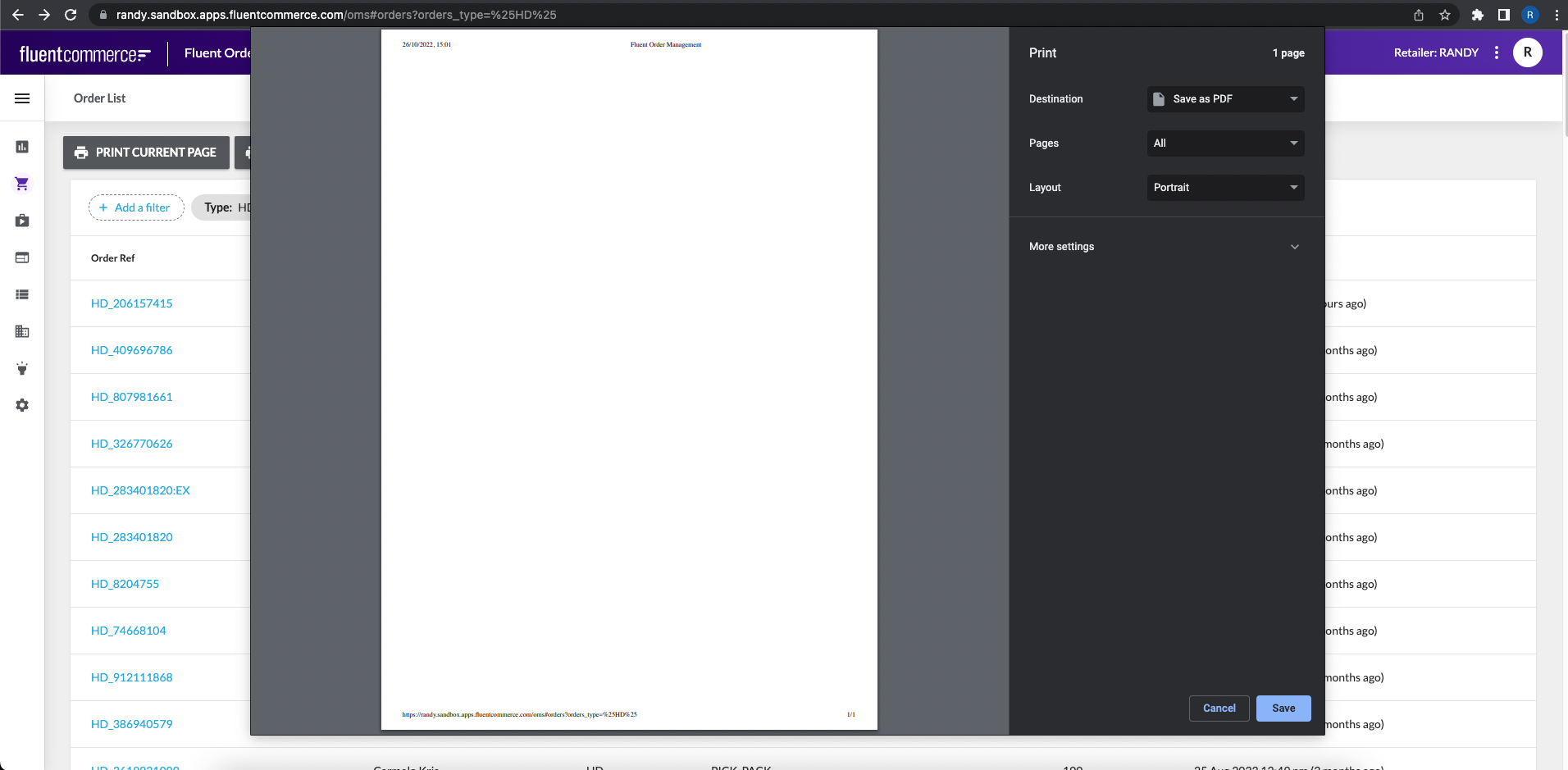 The was due to the content is dynamically generated from the OMS framework and ensure that data is in real time basis.So In order to print the current page, the client can configure a custom print button configuration within the OMS.Change in manifest
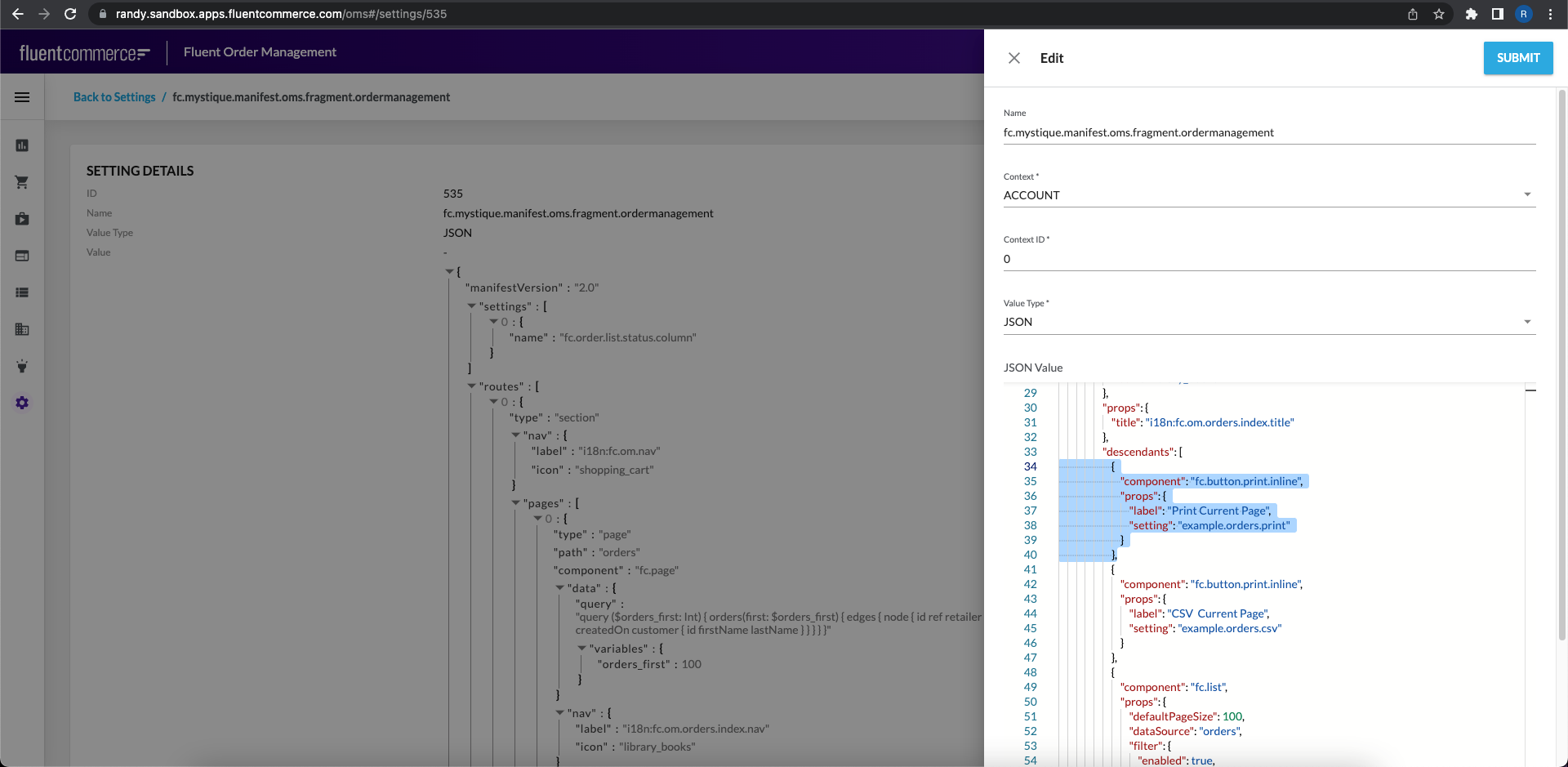 Create a new setting example.orders.print
`lobValue` is JSON formatted so you'll need to update the value with Insomnia/Postman.`#each` loop in the example)`dateRelative` in the example)Test the result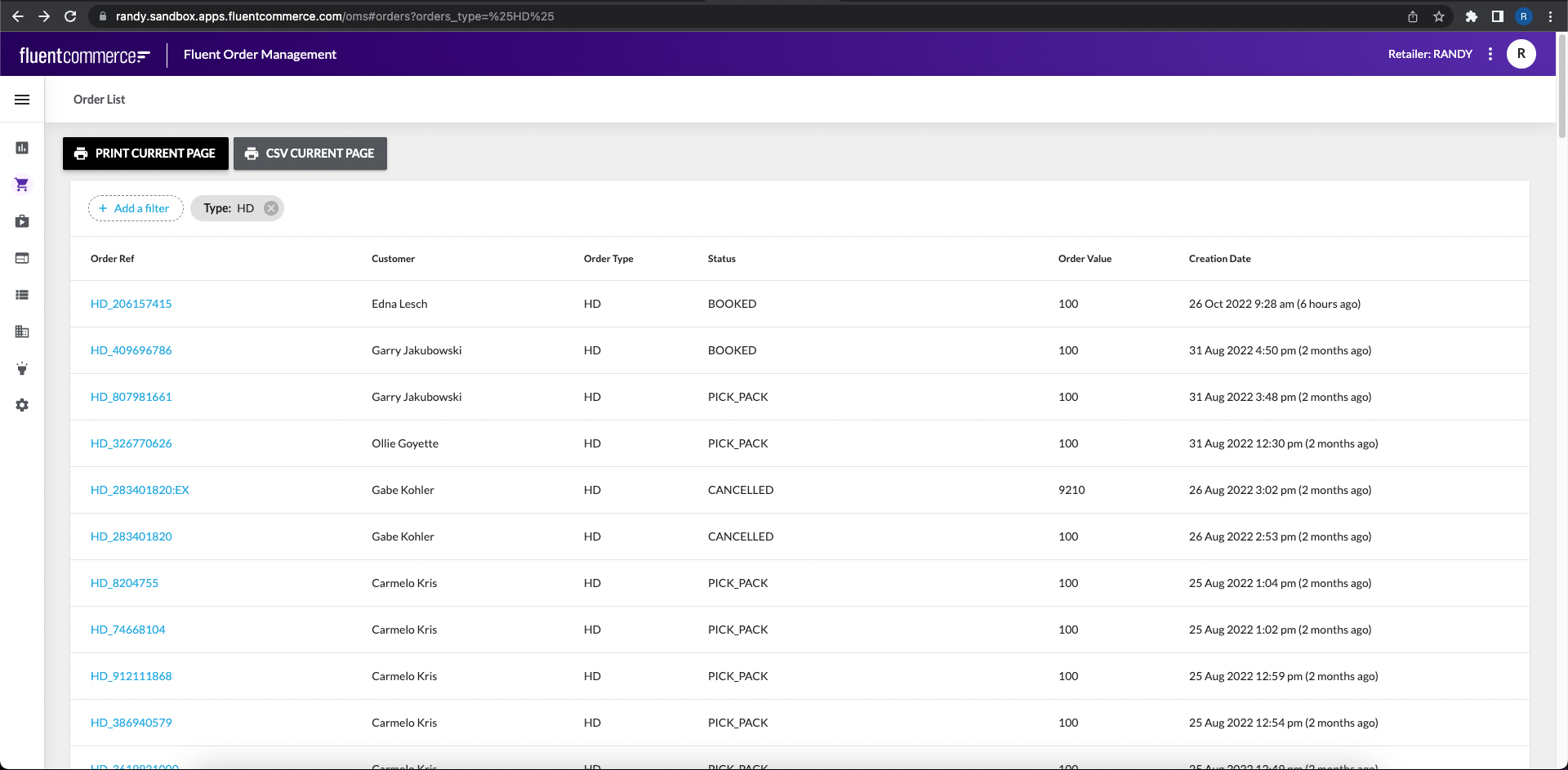
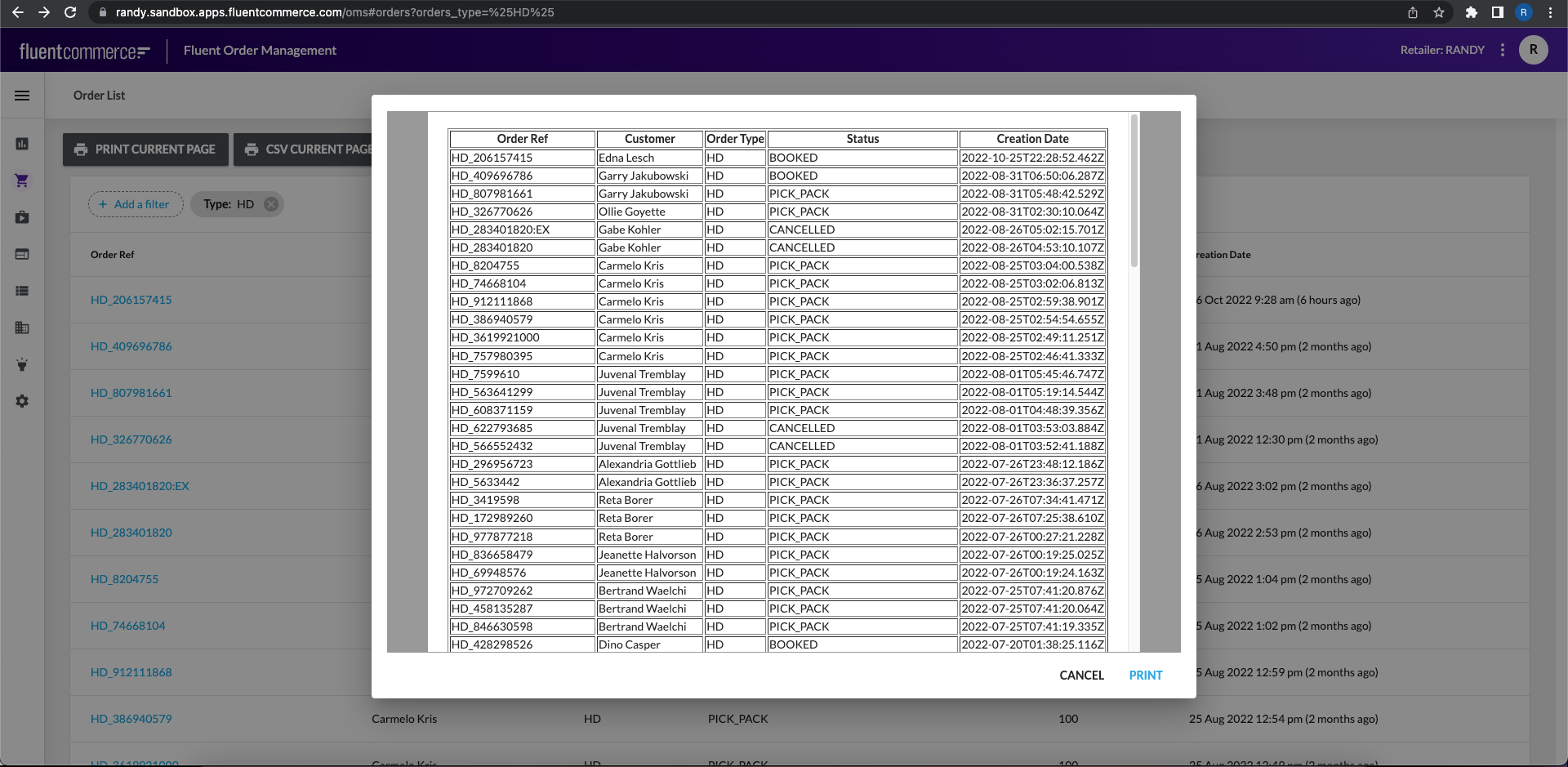
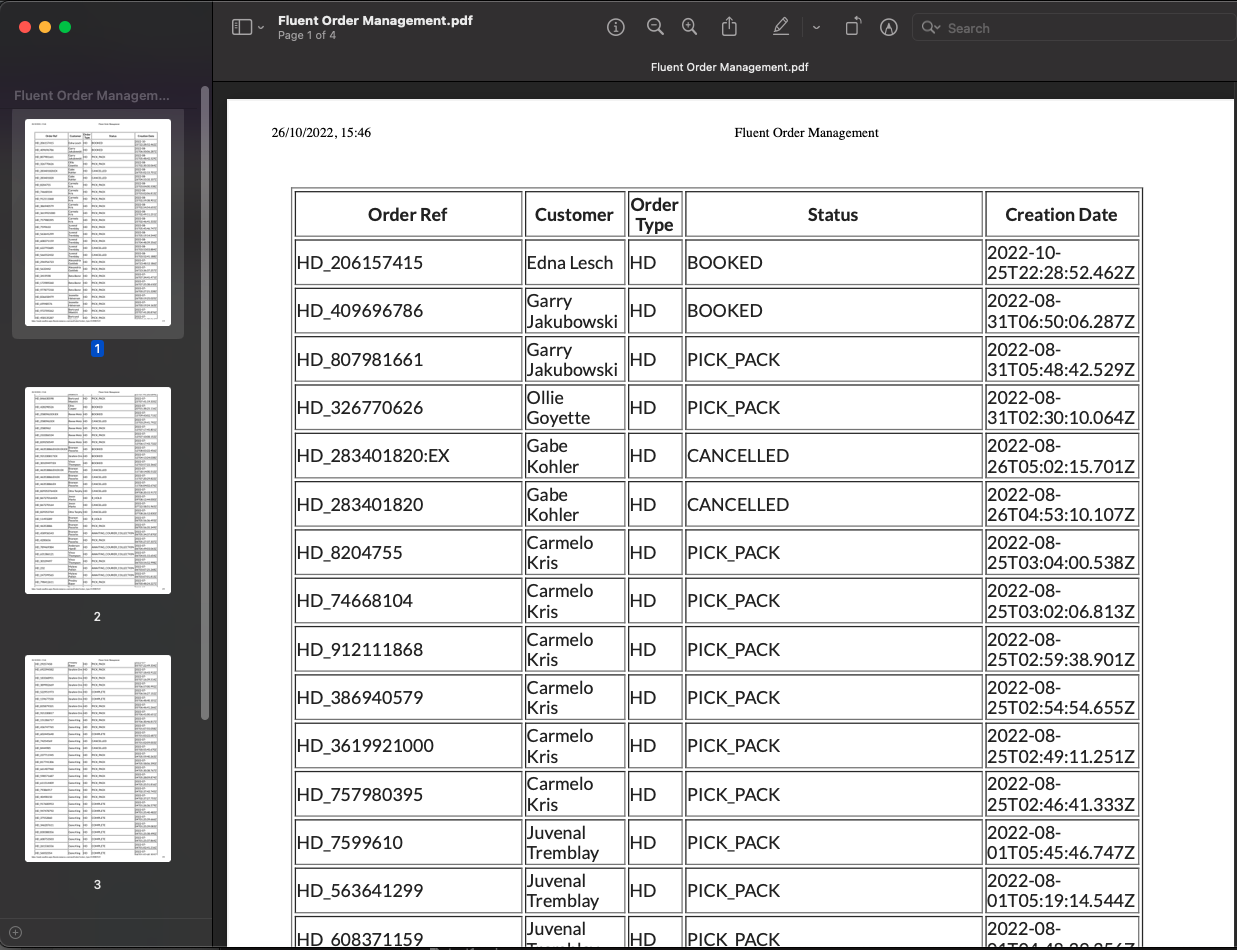
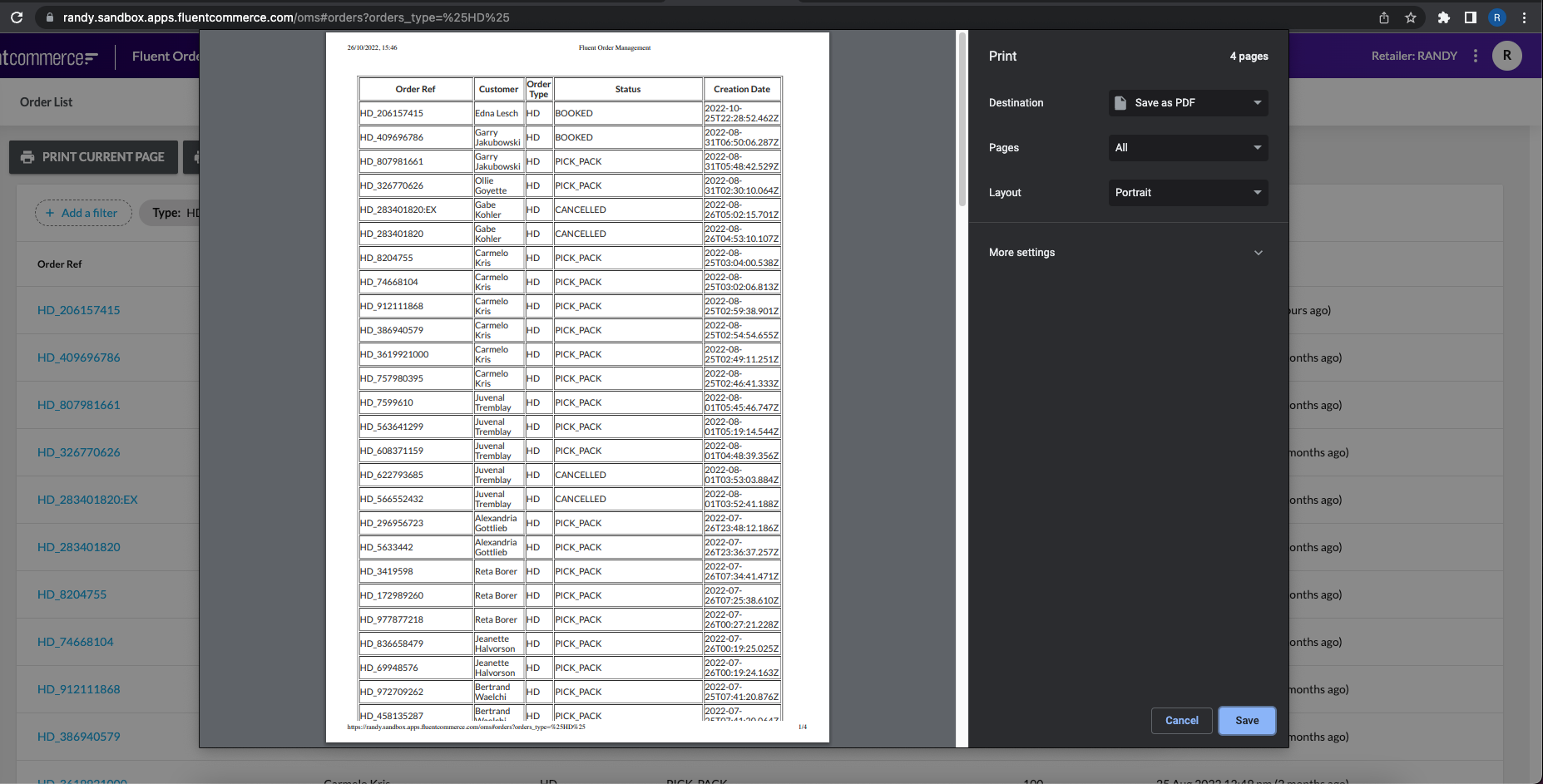 Save the result in PDF
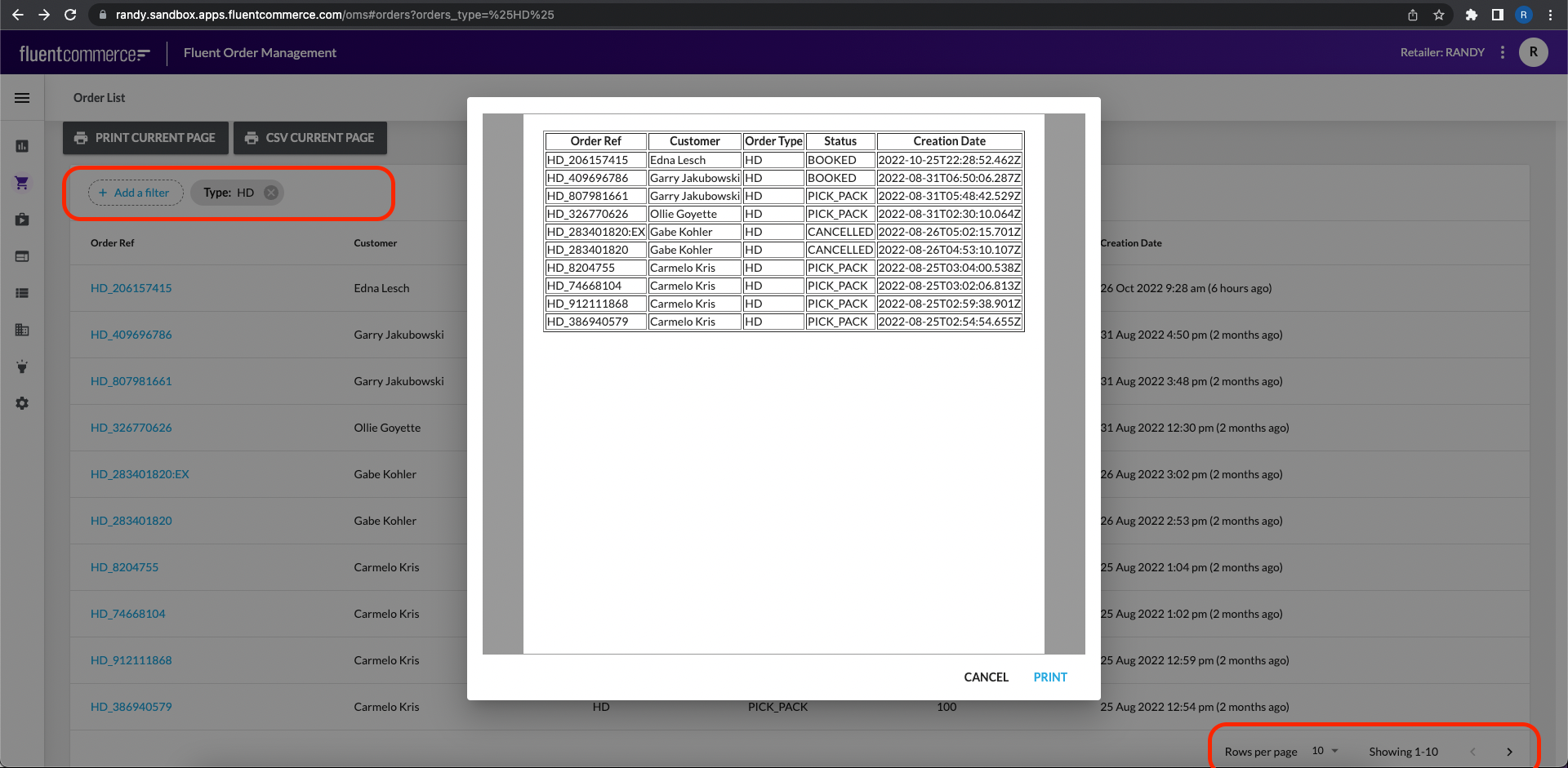
 The result is based on the list filter on the page
1                        {
2                            "component": "fc.button.print.inline",
3                            "props": {
4                                "label": "Print Current Page",
5                                "setting": "example.orders.print"
6                            }
7 },1{{fluentApiHost}}/graphql
2
3mutation CreateSetting {
4createSetting(input: {
5 name: "example.orders.print",
6 valueType: "LOB",
7 lobValue: "<html>head><style>li:nth-child(2) { color:red; min-width:600px; }</style></head><body><ul class=\"people_list\"> {{#each orders.edges}} <li>{{node.customer.firstName}} {{node.customer.lastName}} [{{dateRelative node.createdOn}}]</li> {{/each}} </ul><table><tr><th>Order Ref</th><th>Customer</th><th>Order Type</th><th>Status</th><th>Order Value</th><th>Creation Date</th></tr>{{#each orders.edges}}<tr><td>{{node.ref}}</td><td>{{node.customer.firstName}} {{node.customer.lastName}}</td><td>{{node.type}}</td><td>{{node.status}}</td><td>{{node.total}}</td><td>{{node.createdOn}}</td></tr>{{/each}}</table></body></html>",
8 context: "ACCOUNT",
9 contextId: 0}
10
11 ) {
12 id
13 name
14 }
15}
161{{fluentApiHost}}/graphql
2
3mutation{
4 updateSetting(input:{
5 name:"example.orders.print"
6 context:"ACCOUNT"
7 id:"634"
8 contextId:1
9 valueType:"LOB"
10 lobValue:"<html><head><style>li:nth-child(2) { color:red; min-width:600px; }</style></head><body><table border='1' width='100%'><tr><th>Order Ref</th><th>Customer</th><th>Order Type</th><th>Status</th><th>Creation Date</th></tr>{{#each orders.edges}}<tr><td>{{node.ref}}</td><td>{{node.customer.firstName}} {{node.customer.lastName}}</td><td>{{node.type}}</td><td>{{node.status}}</td><td>{{node.createdOn}}</td></tr>{{/each}}</table></body></html>"
11})
12{
13lobValue
14}
15}
16
17
18
19
20
21