Adding a Ruleset to your Workflow
How-to GuideStep-by-step guides to achieve a specific scenario or setup.
Author:
Fluent Commerce
Changed on:
14 Sept 2025
Key Points
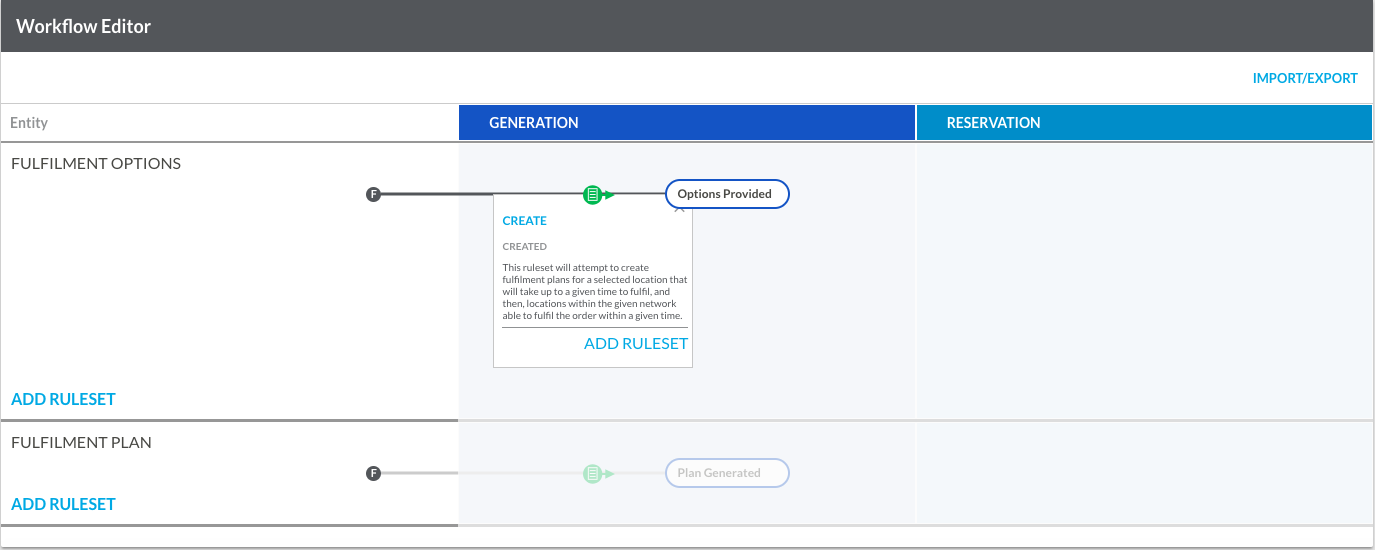
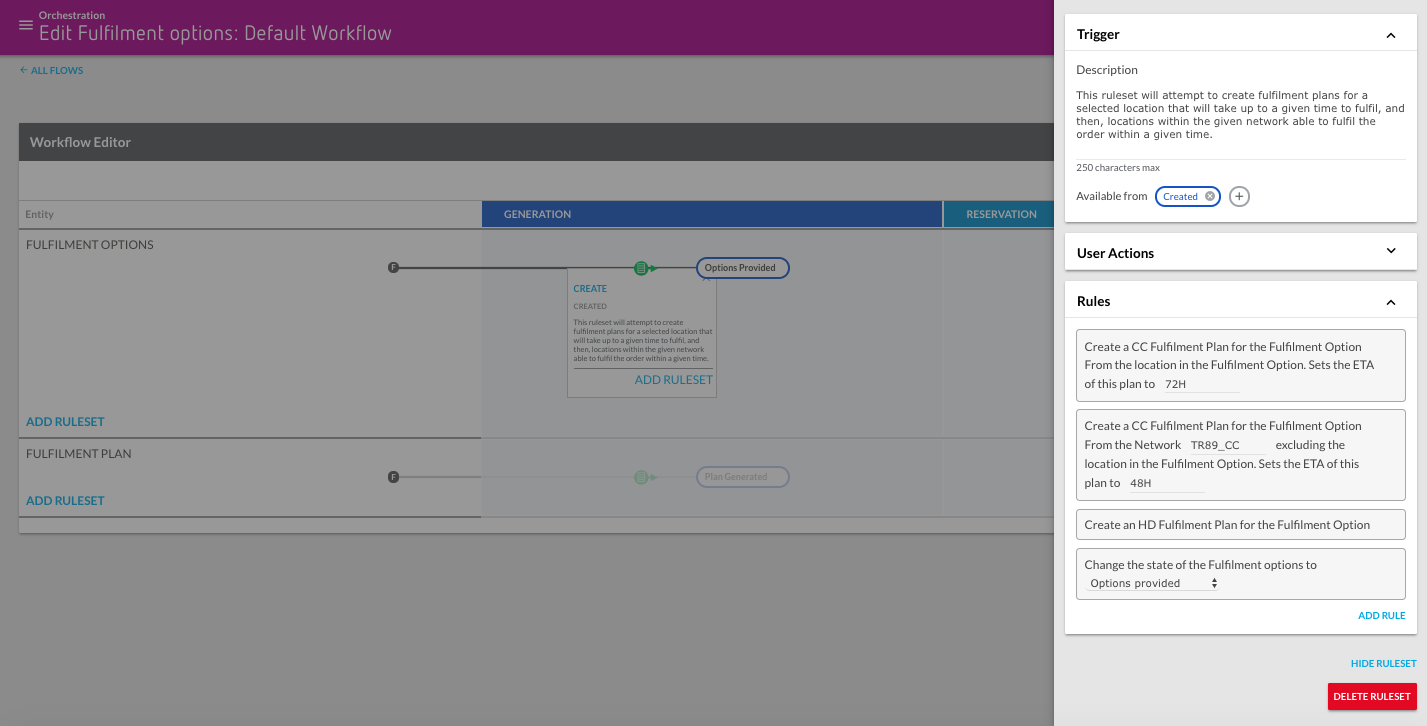
- The Ruleset, defining the executed actions for matching events, can be added through the UI using either an existing Ruleset list or the Entity Workflow Swimlane.
- Green icons in the Status rectangles represent Rulesets triggered on that State, while those outside a status transition the entity to the indicated state.
- Adding a Ruleset via JSON requires inclusion in the Workflow JSON's Rulesets Array, following a schema with mandatory elements like name, rules, and triggers, and optional elements like description, type, subtype, eventType, and userActions.

 Adding a Ruleset to your Workflow