Configuring the Unified View of Inventory: A Step-by-Step Guide
How-to GuideStep-by-step guides to achieve a specific scenario or setup.
Author:
Yulia Andreyanova
Changed on:
13 Feb 2025
Key Points
- The Unified View of Inventory (UVOI) is a powerful feature available out of the box. It offers comprehensive insights and real-time updates across inventory locations and sales channels.
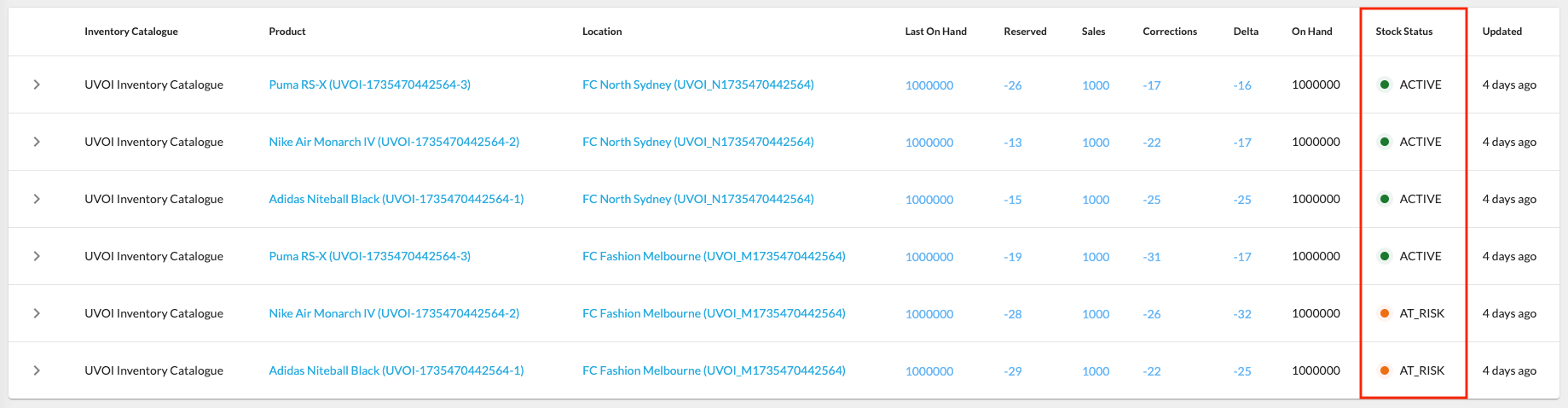
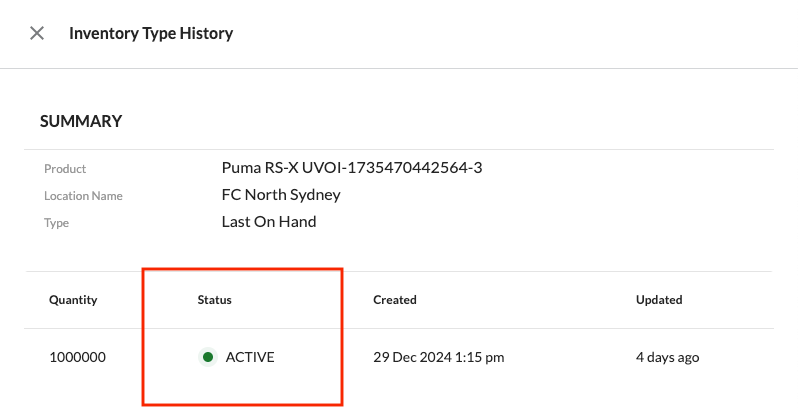
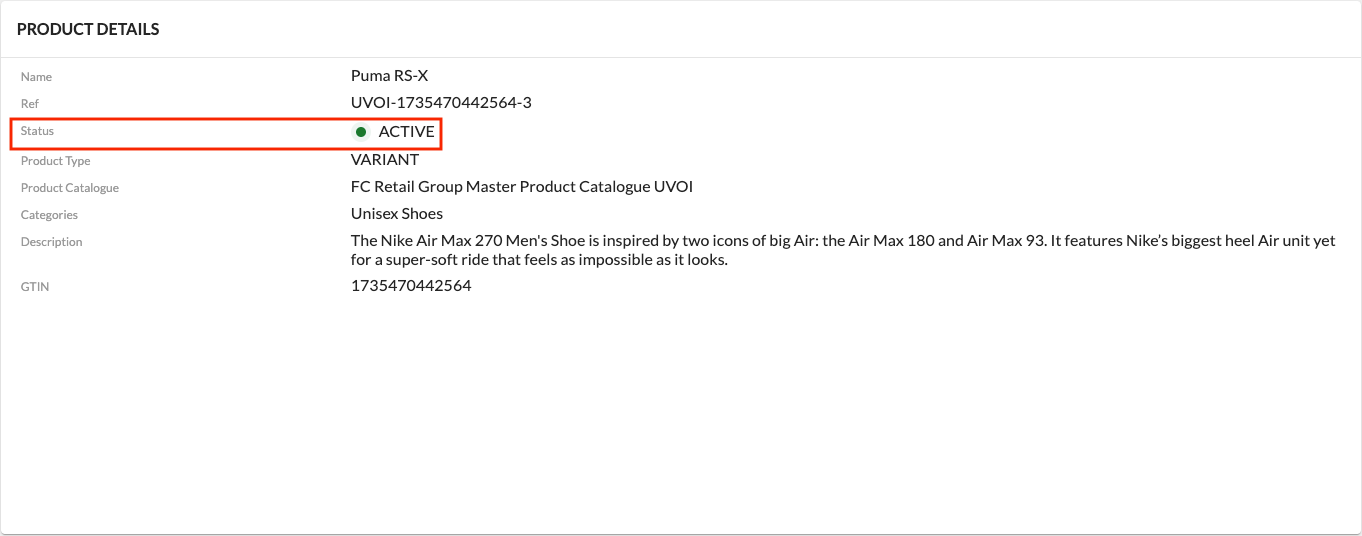
- To configure its full functionality, you need to create several settings that define default filter values and ensure filters are populated with appropriate statuses from workflows.
- This guide will walk you through the configuration steps using examples from a reference solution. Note that the statuses and catalog names of these examples may differ from your specific implementation requirements.

 Set Default Values for Catalogs